
Introducing Yappilot: Talk to Camera, Get a Finished Video on Your Device
Yappilot turns talking-head takes into captioned, B-roll-ready edits in the browser — with exports to Premiere, Resolve, Final Cut, and AE.
Introducing Yappilot: Talk to Camera, Get a Finished Video on Your Device
Talking-head creators lose hours to ums, dead air, and caption styling. Yappilot turns a camera take into a finished first-pass edit — captions, B-roll styles, framing — in the browser, with your video staying on device.
Yappilot sits in the one-take → vertical packaging layer for coaches, founders, and creators who record to camera and need a shippable cut (or a timeline for Premiere / Resolve / Final Cut / After Effects). The privacy model is unusual and useful: video files stay in browser storage; only audio leaves for transcription (or Whisper can run locally). That makes it easier to try on sensitive takes without uploading full files to yet another cloud editor.
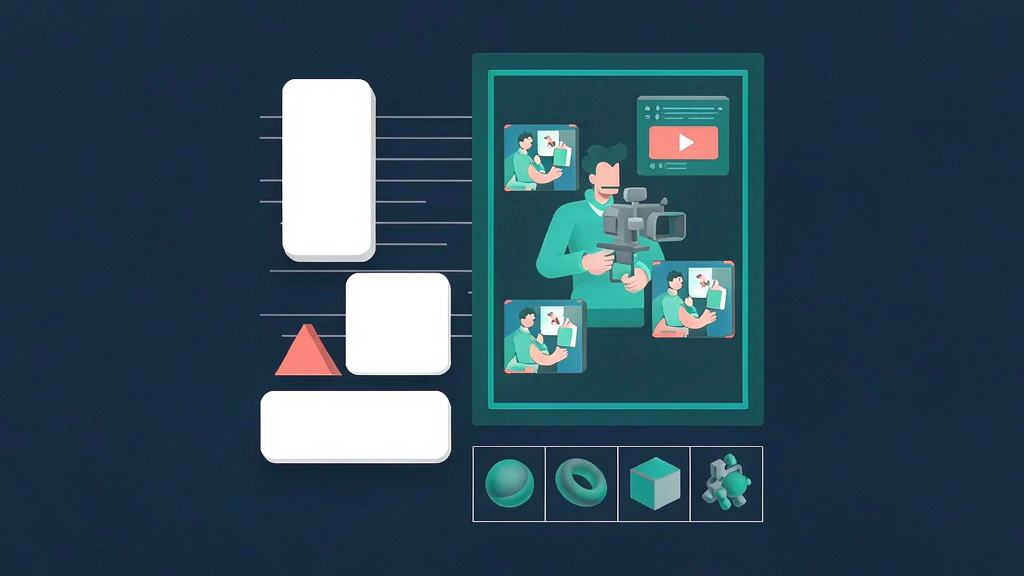
English, Hindi, and Hinglish are first-class for transcripts and edits. Ten edit styles are mixed across a take based on what you say — whiteout, split screen, diagrams, product cards, layered headlines, B-roll canvases, card lists, vlog, long-form, and screen-plus-face — and every cut stays editable from the transcript.
What Yappilot does
Drop in a take or record with a teleprompter:
- On-device editing — video stays local; preview, cut-outs, and MP4 render happen on your device
- First pass — removes fillers, pauses, and retakes (last clean take kept); words stay restorable in the transcript
- Captions in 118 languages — including Hindi Devanagari and Hinglish Roman, with styled looks (karaoke fill, handwritten, and more)
- Ten edit styles mixed by moment, swappable in one click
- Framing, light, and looks computed on device; 9:16 reframes around the face
- Exports — on-device MP4, or editable timelines (FCP7 XML, FCPXML, OTIO) and After Effects layers on Pro
- Ask / agent hooks (rolling out) — request edits in English, Hindi, or Hinglish; connect from Claude, ChatGPT, Cursor on higher plans
Explore:
Who it is for
Creators and founder-led brands who shoot talking videos and want a privacy-conscious first cut — especially bilingual EN/Hindi workflows — without uploading full video files to the cloud. It also fits editors who want a fast first pass, then finish color and graphics in a pro NLE.
Where it fits in a content stack
Yappilot owns one-take packaging. Long-form DAWs and brand motion studios still handle other jobs; Yappilot is the bridge from raw talking footage to a captioned, styled short or an editor-ready timeline. Use it when the source is a person talking to camera, not a storyboarded whiteboard explainer.
Why it matters now
Creators want speed and control. Browser editors that keep video local, export to pro NLEs, and speak Hinglish as a first-class language match how many 2026 creators actually work — especially those who refuse watermark tradeoffs on paid plans.
How creators typically use Yappilot
A coach records a tip, lets the first pass cut ums, swaps a product-card style when naming a tool, and exports 9:16. A Hindi creator captions in Devanagari then transliterates for Hinglish audiences. An editor exports XML into Premiere for final polish.
Quick tips if you try Yappilot
- Try Free in-browser first — no signup required to feel the first pass.
- Record a clean take, then restore any intentional pause from the struck transcript.
- Swap edit styles per beat instead of forcing one layout for the whole minute.
- Export XML/FCPXML when you need final color or graphics in Premiere/FCP.
- Prefer Creator/Pro when you need stock B-roll, site captures, or AE layers without watermarks.
Soft close — related tool
If you also need concept → storyboard → animated or whiteboard explainer / Reels (not talking-avatar presenters), see Scro Explainer. Scro (by NOVAX) is built around approving an AI storyboard before you render — useful when the job is teaching a process, not filming a spokesperson. Keep Yappilot as the focus of this intro; Scro is only a related option for storyboard-first explainers.