
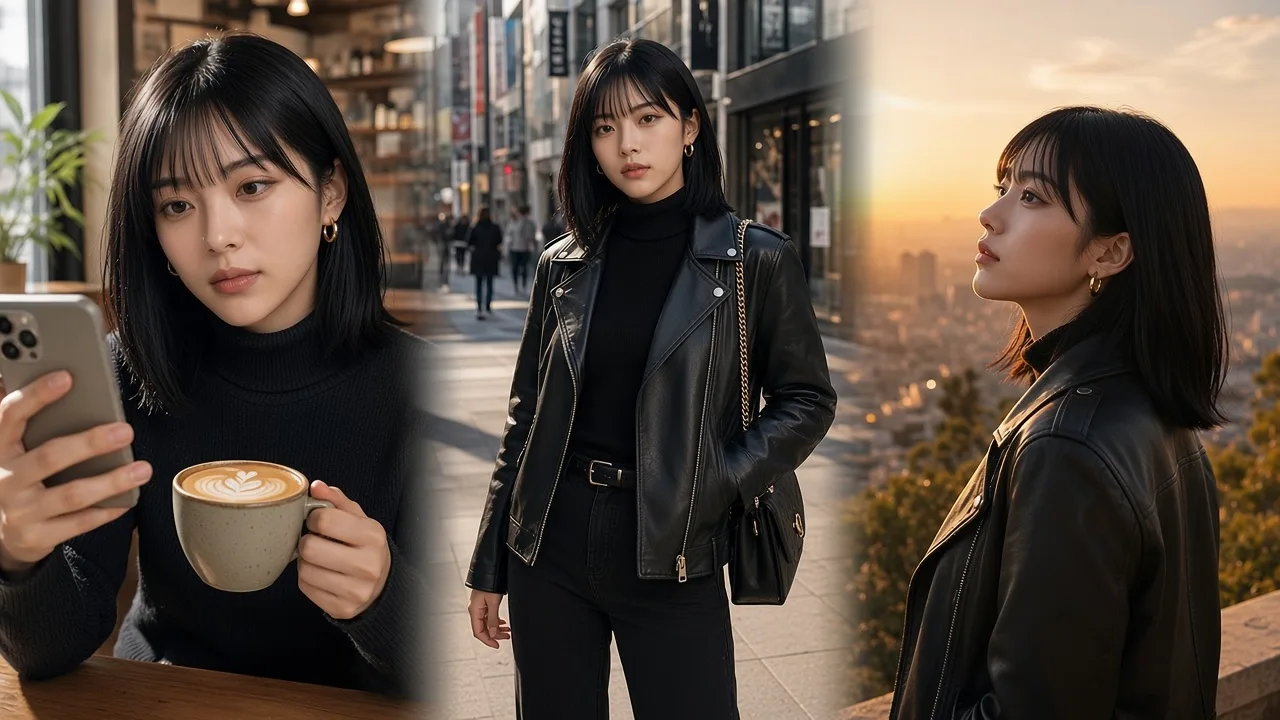
Café · morning
OfferNew accounts keep every subscription at 85% of the list price, forever, plus 145 free credits. Extra credit packs include 5% more.
Create account
Character design
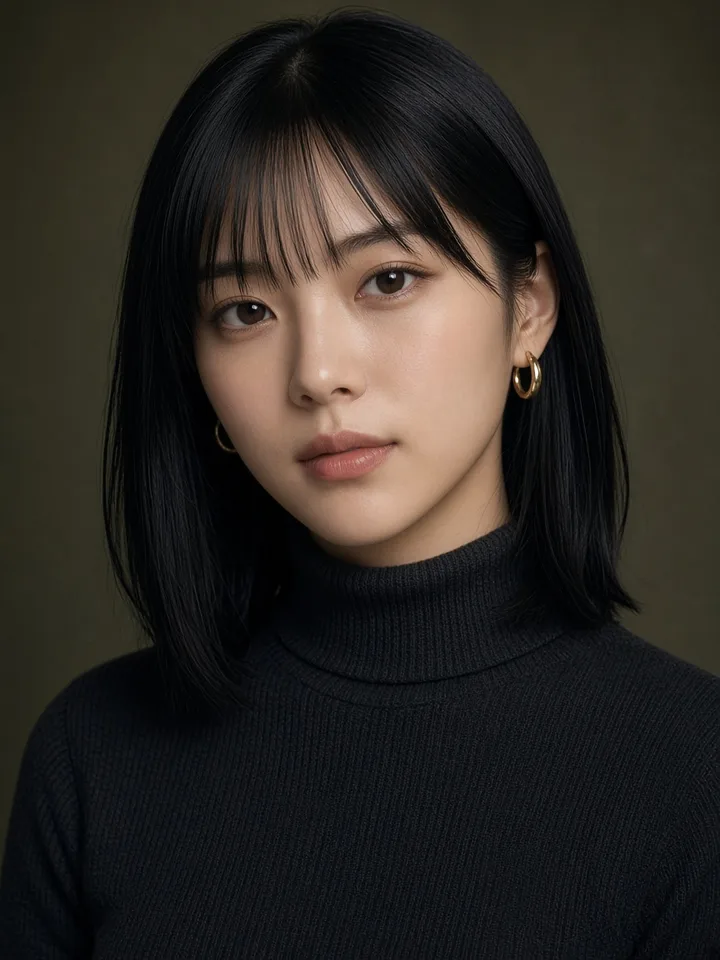
Mei
Realistic
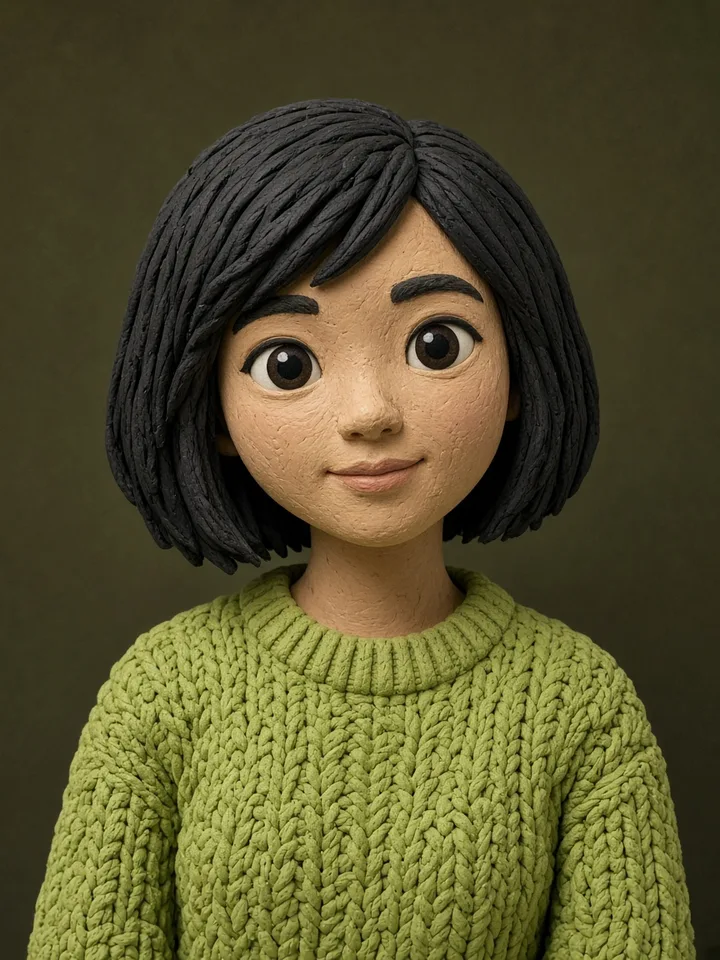
Yuna
Clay

Hana
Watercolor
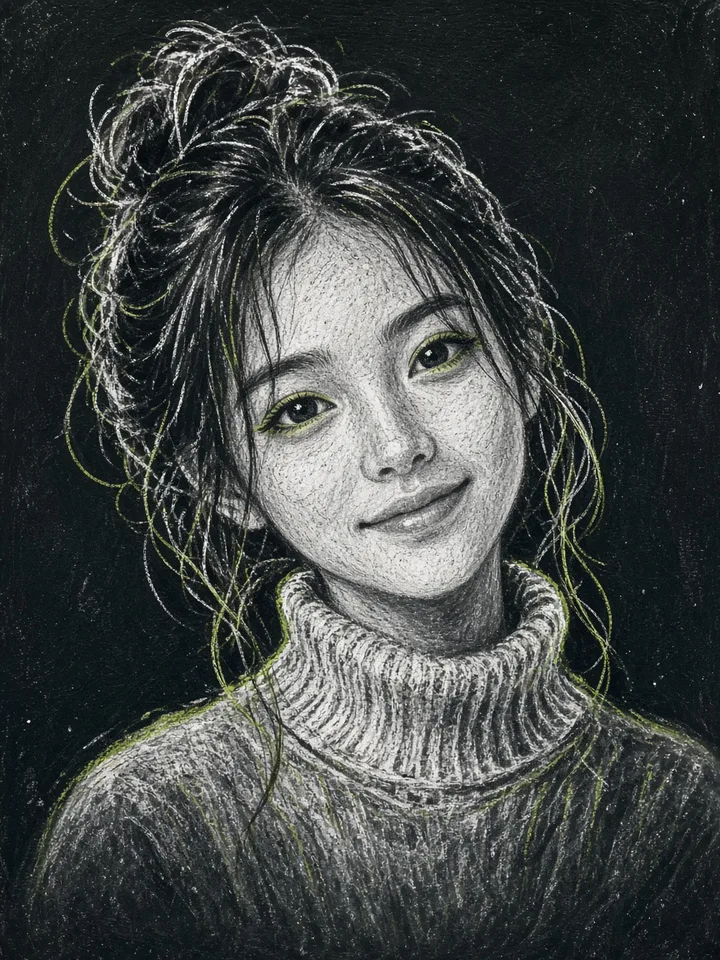
Linh
Chalk

Sora
Cutout
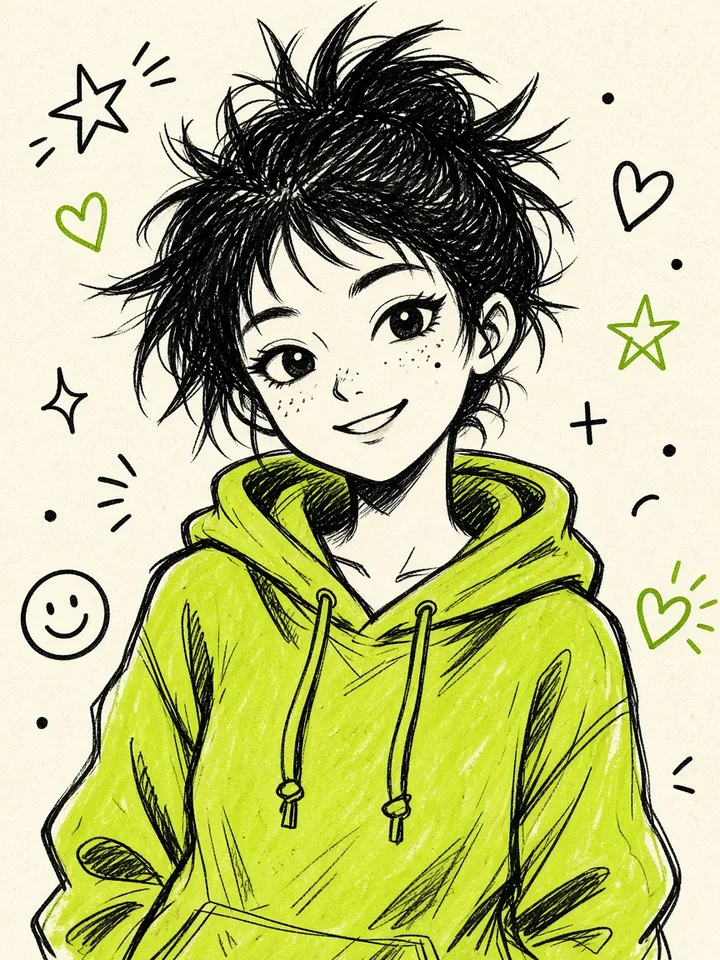
Aiko
Doodle

Mina
Pencil
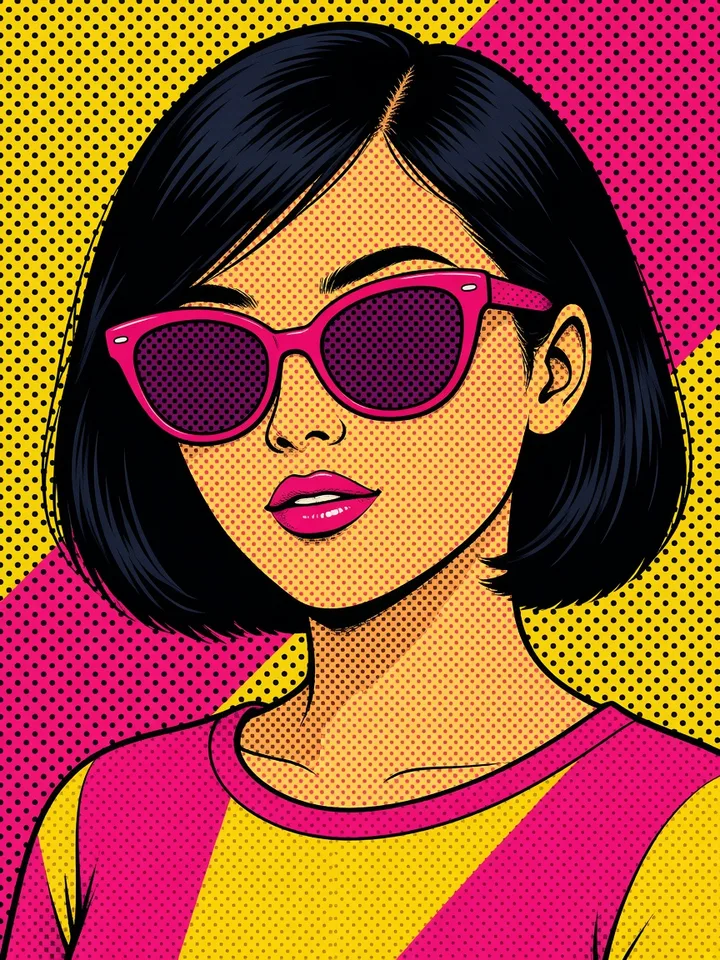
Zoe
Pop
Video styles
 8-bit
 Ukiyo
 Low-poly
 Ray
 Flat
 Notes
Life posts
Café · morning
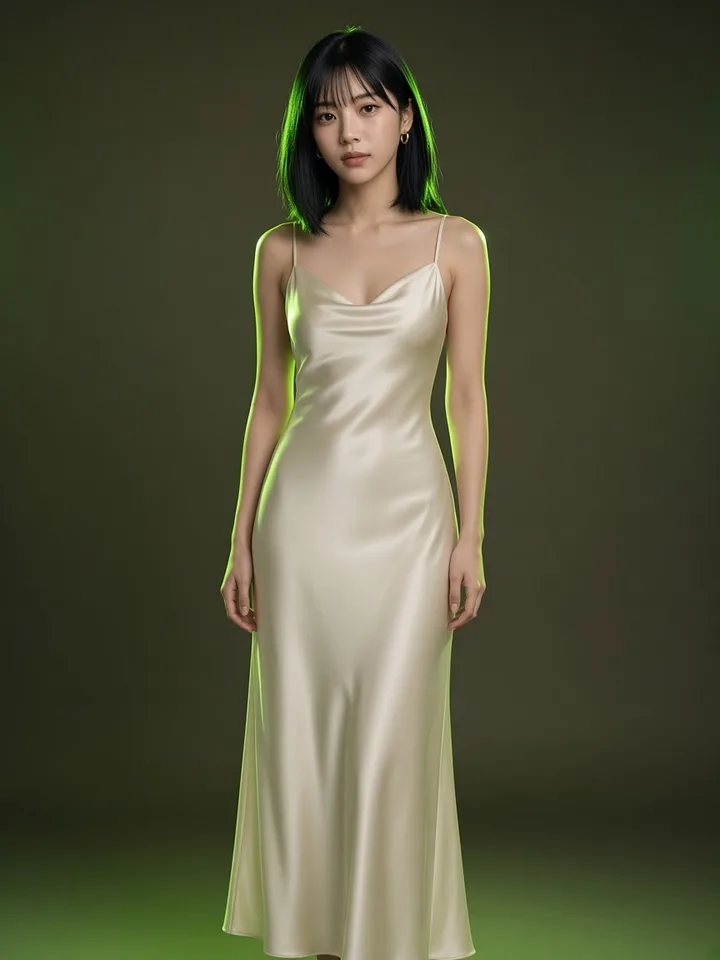
Street · OOTD
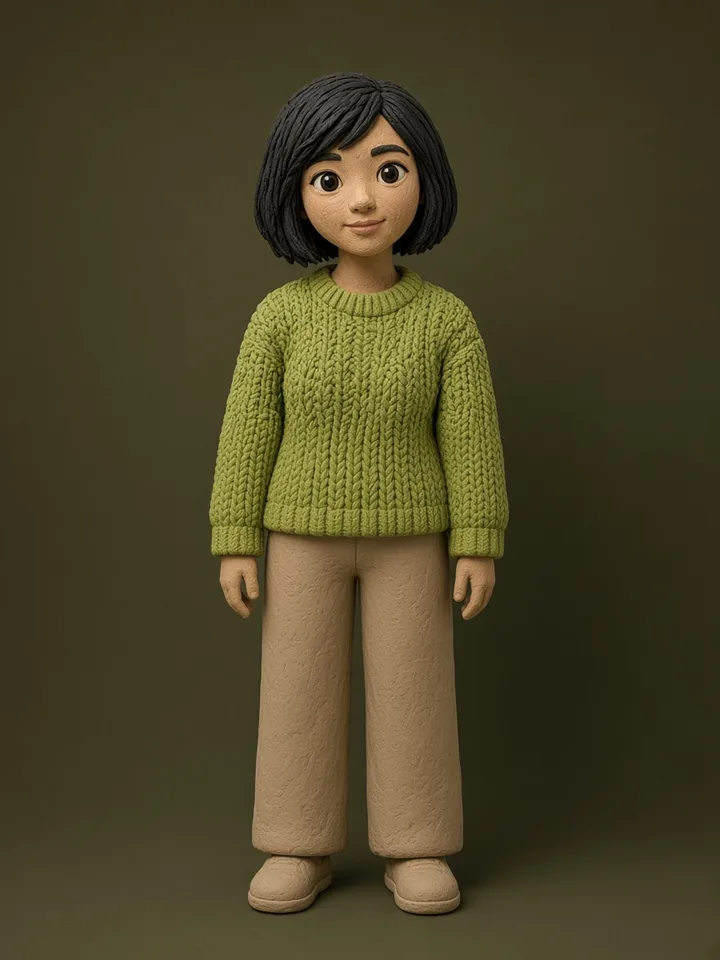
City · evening
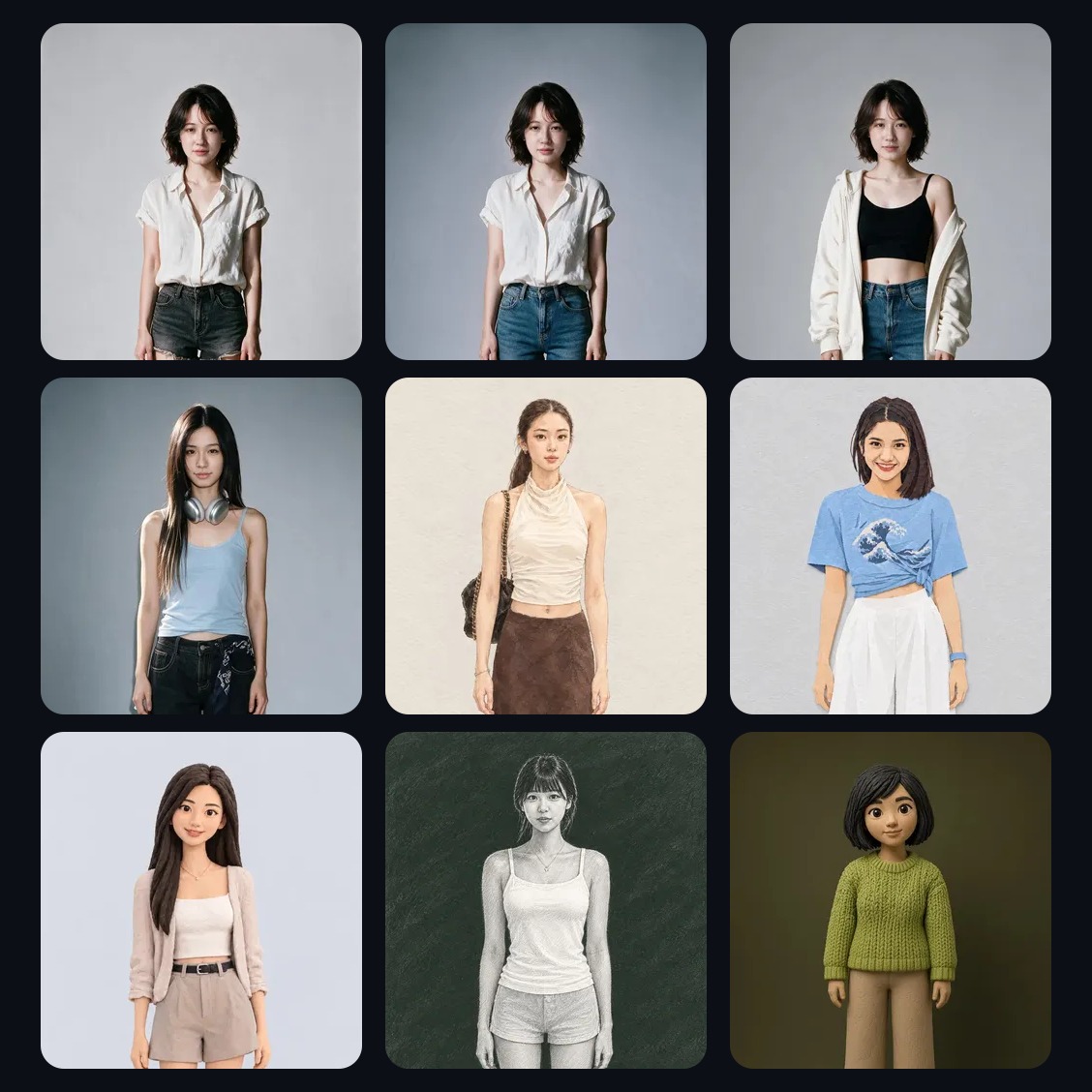
Wardrobe · looks
Explainer
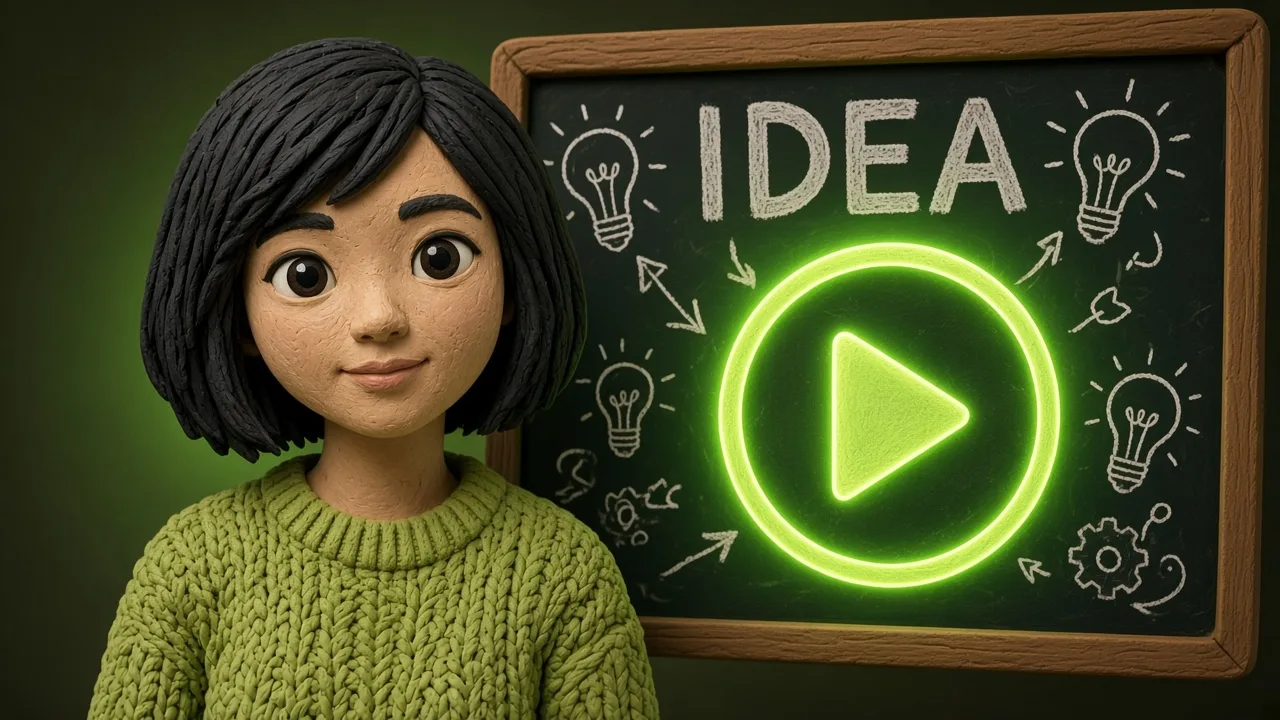
60s explainer
Same soul · clay style · voiceover
Lock one face, voice, and wardrobe. Then ship whiteboard explainers and influencer shorts.
Explainer reel
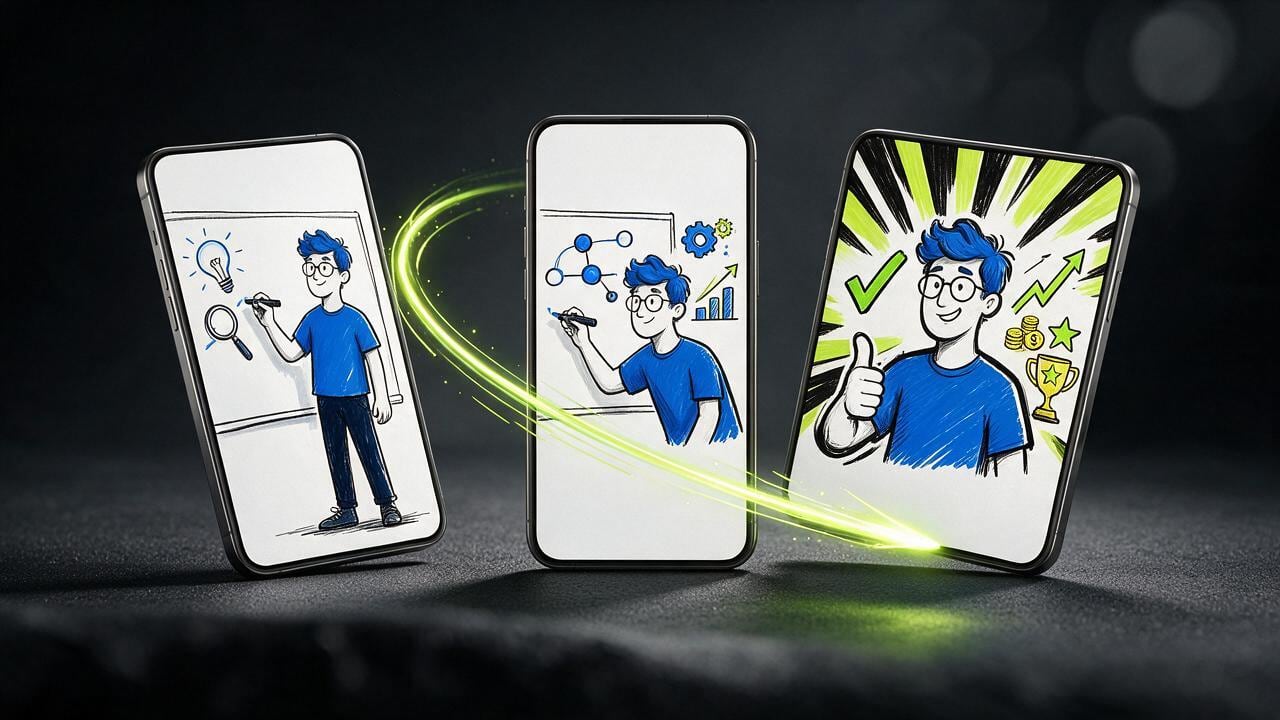
A 30–60s vertical short. Your AI Influencer walks one concept on a whiteboard — hook, diagram, payoff — clear on mute.
 01
Open on the question or the result. The influencer is already on the board.
02One diagram. Labels big enough to read with the sound off.
03Land the point. The same face comes back for the next episode.
9:16 · Reels, Shorts, TikTok
The host of every explainer
Lock the portrait, wardrobe, and voice once. That influencer hosts whiteboard explainers and the shorts around them.
Brand IP · Wardrobe · Life posts
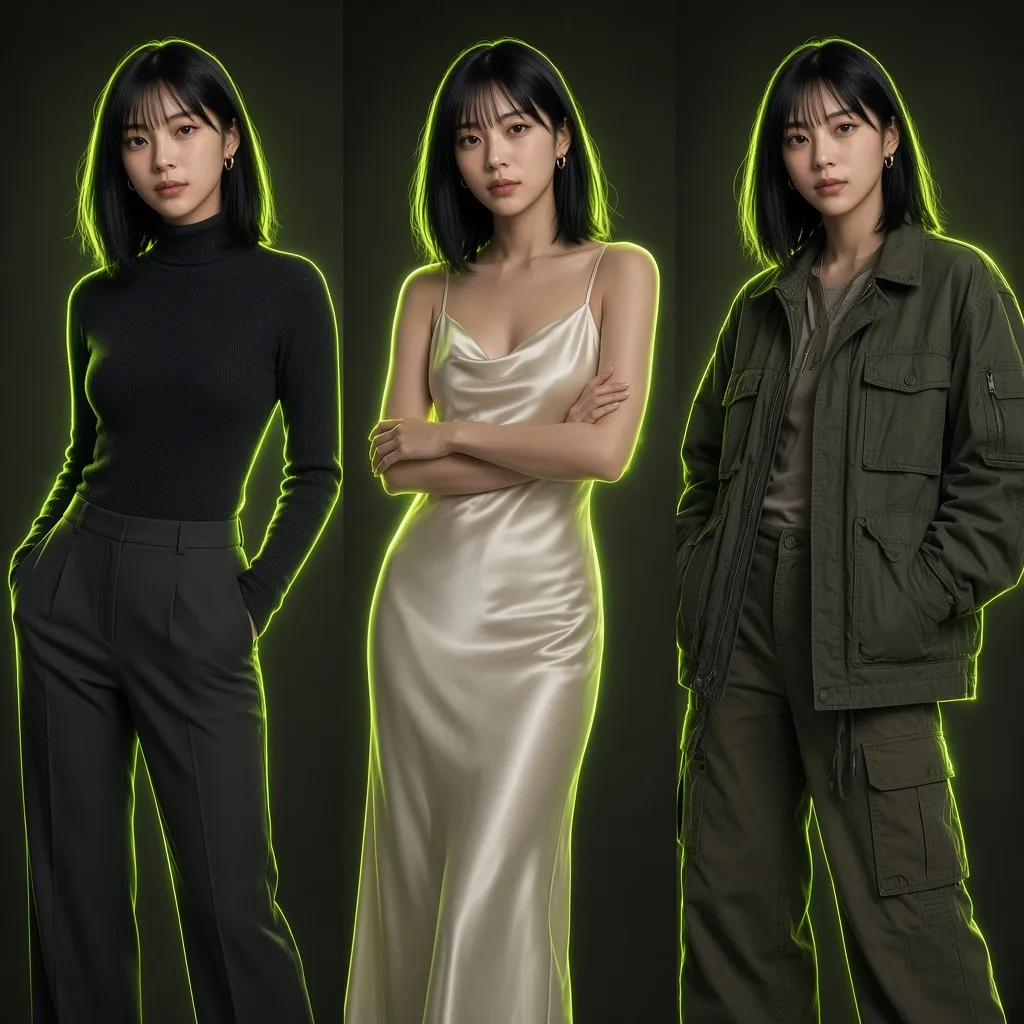
Scro ships a deep wardrobe and Life post library so your AI Influencer can refresh every day — swap outfits, keep posting, and add your own fashion to grow a real brand IP.
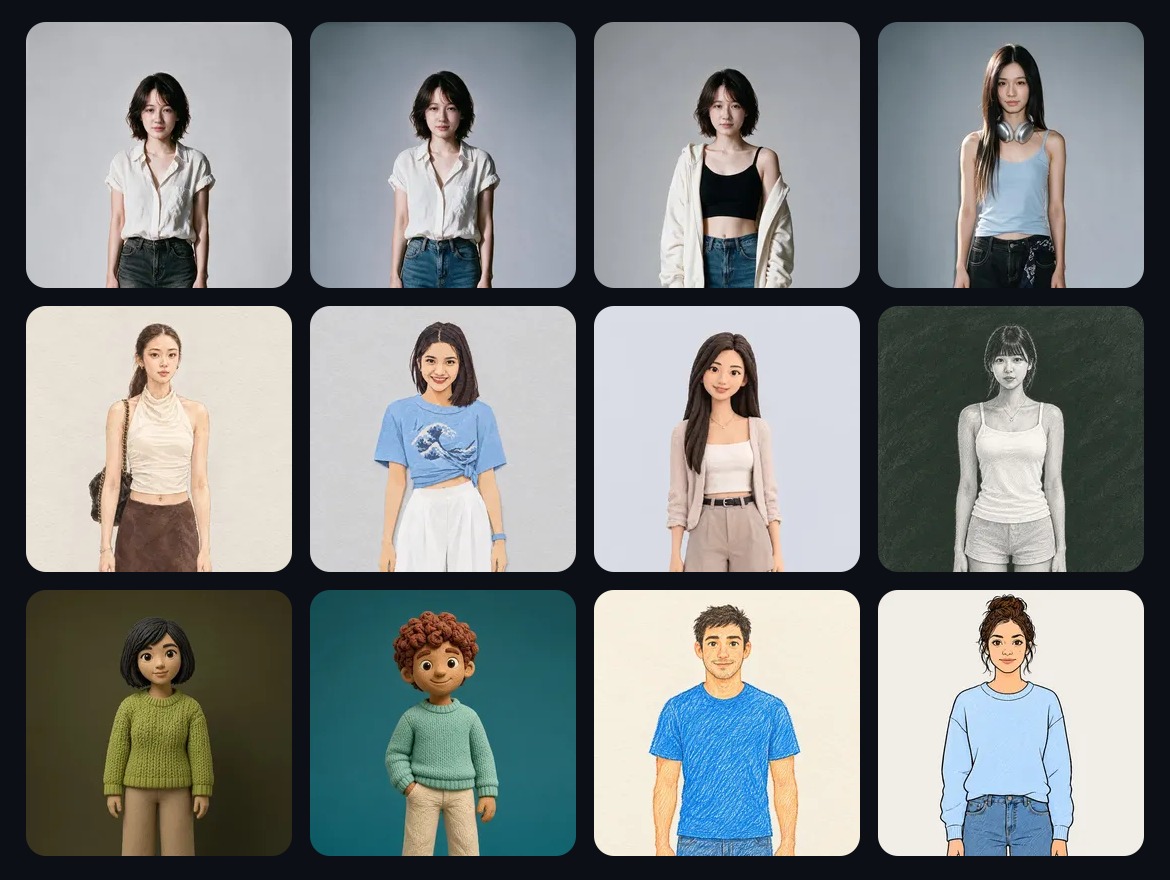
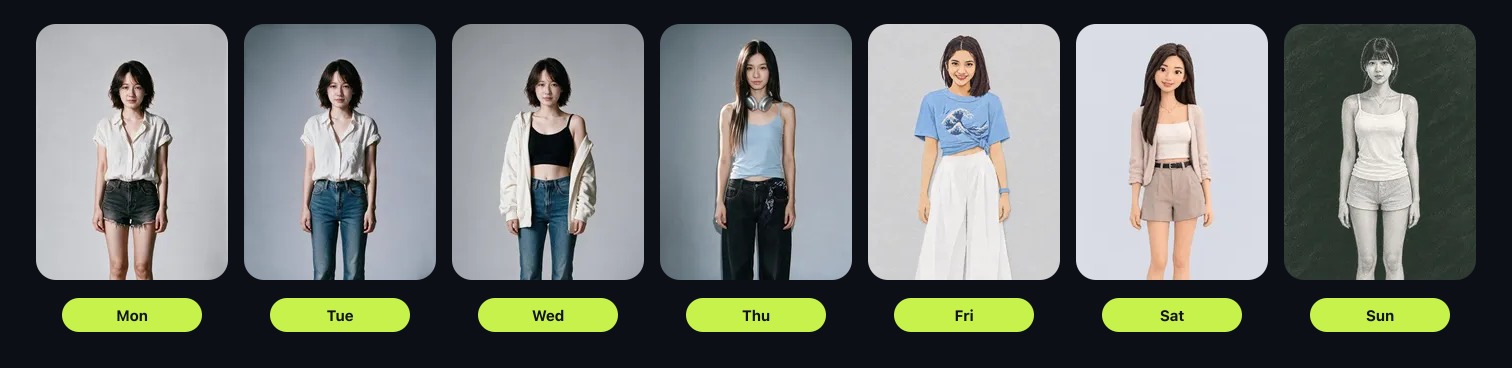
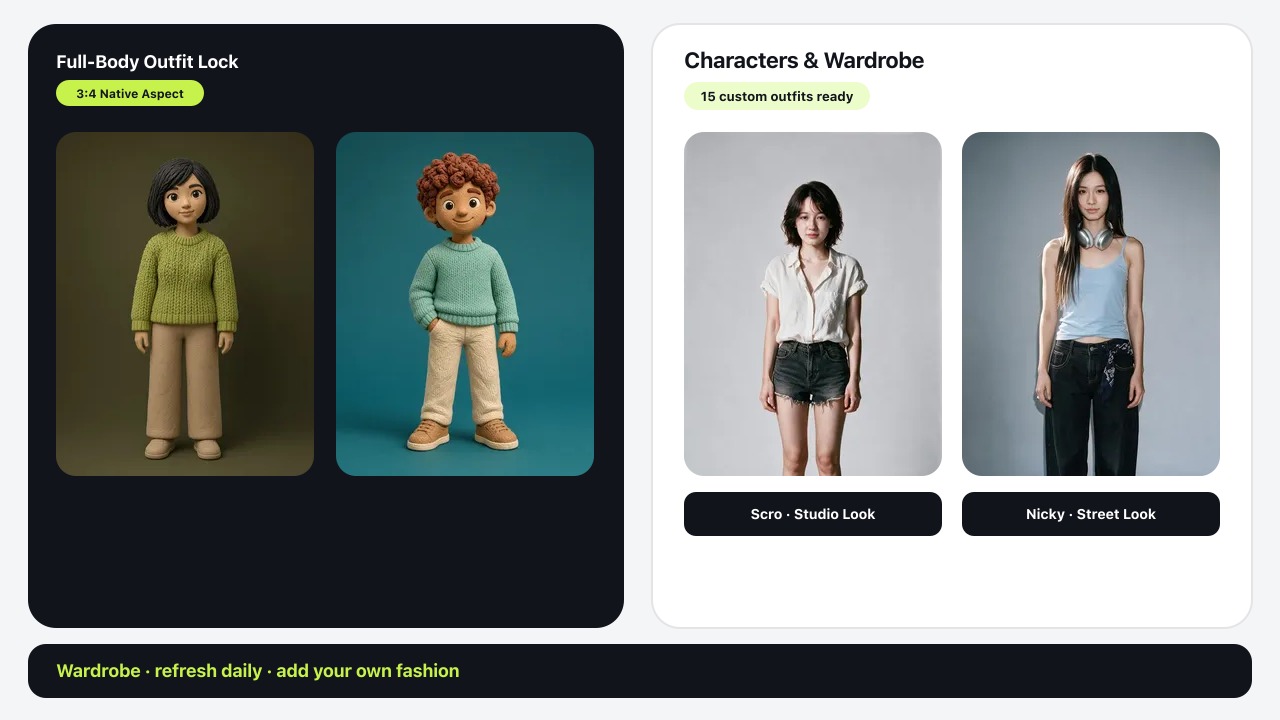
Swap outfits and scenes while the face stays locked — your audience still recognizes the brand.
Ship café, street, desk, and travel Life posts on a schedule so the account never goes quiet.
Add custom looks into the wardrobe so the character wears your brand, not a generic closet.
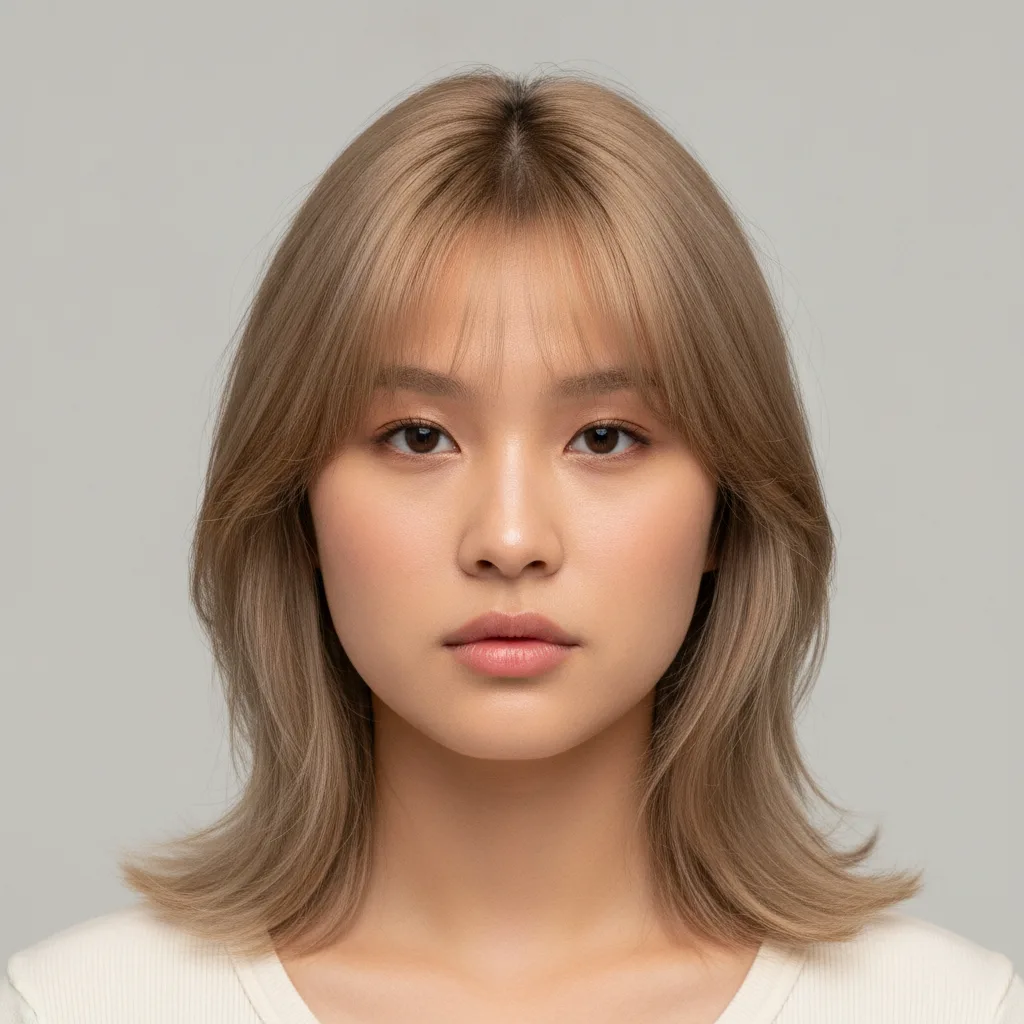
Built-in creative database
Hair, tops, bottoms, shoes, accessories, Life poses, and post types — tagged for search so you and your MCP agent can find casual, yoga, tennis, Peek-A-Boo pickleball, heritage, and more in seconds.
2,636
Wardrobe looks
121
Body poses
57
Post templates
9
Filter tags
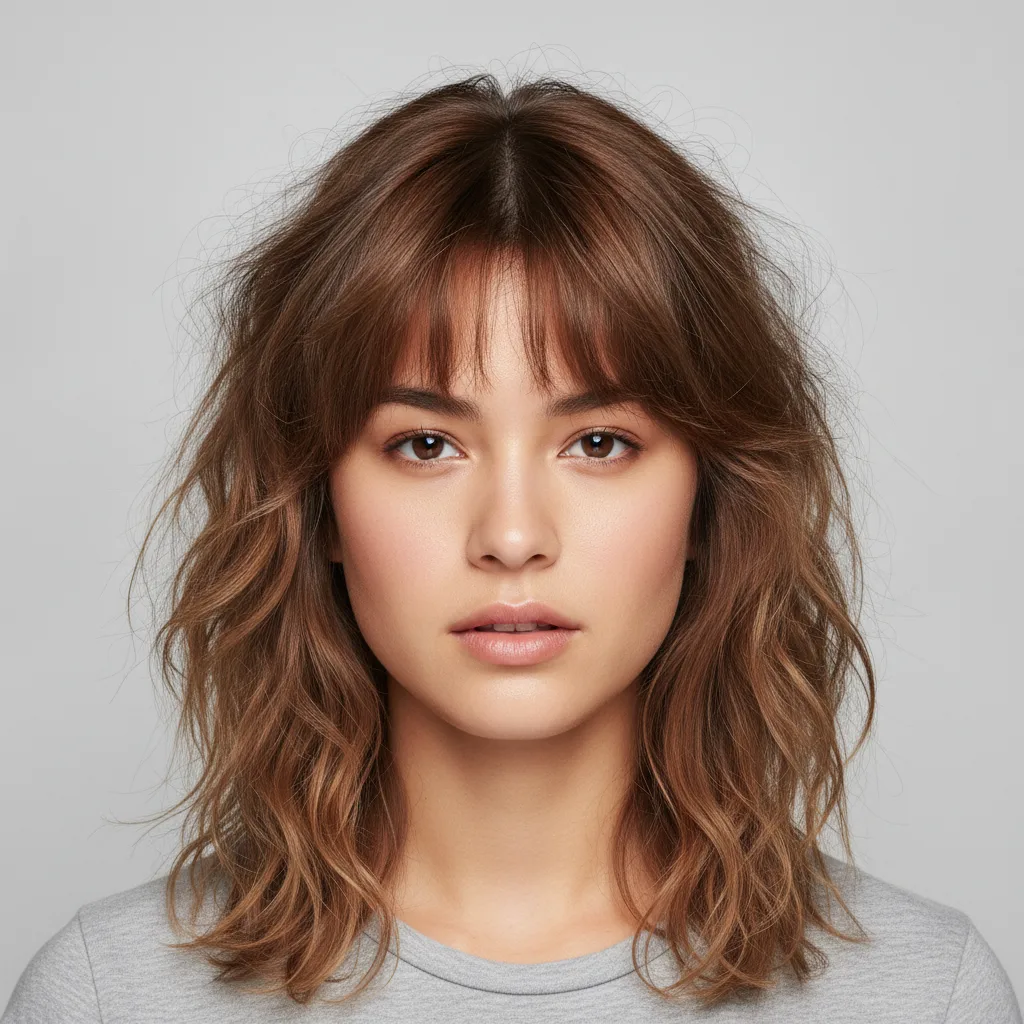
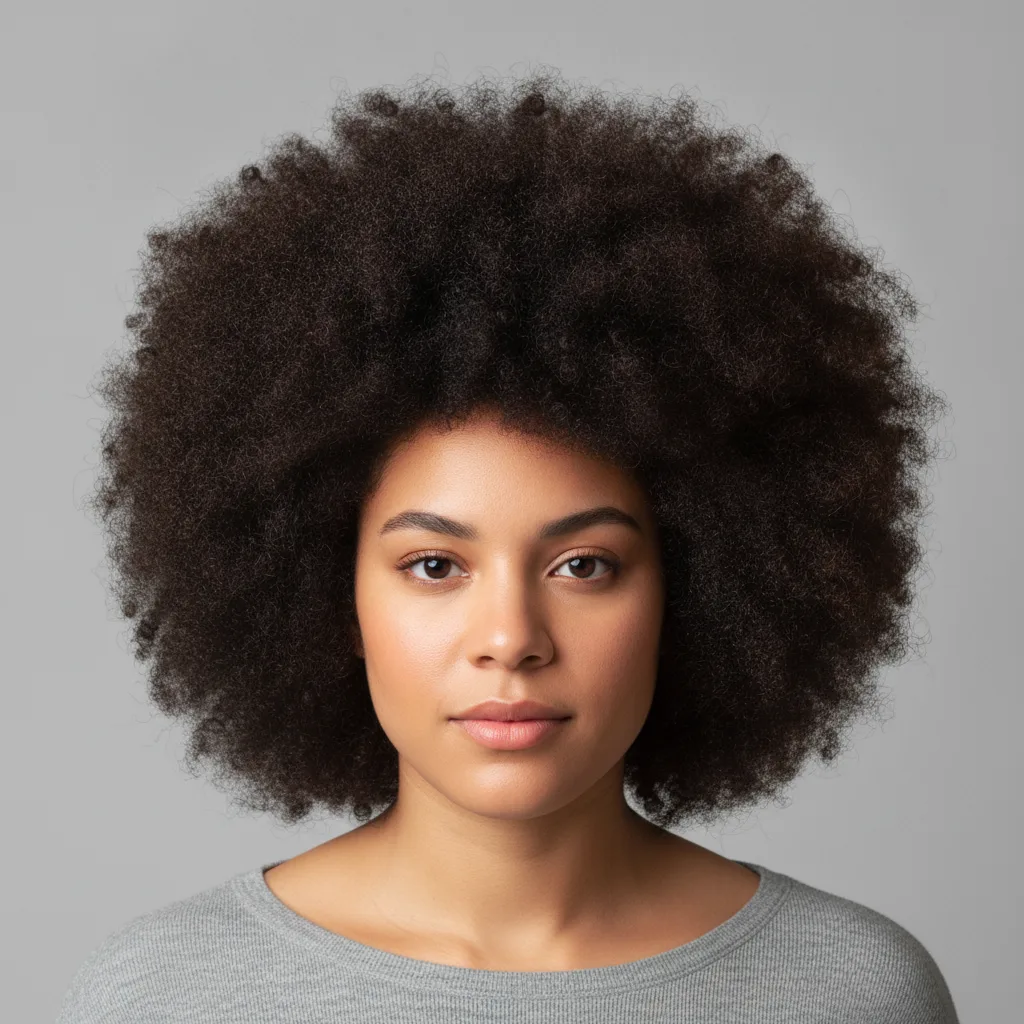
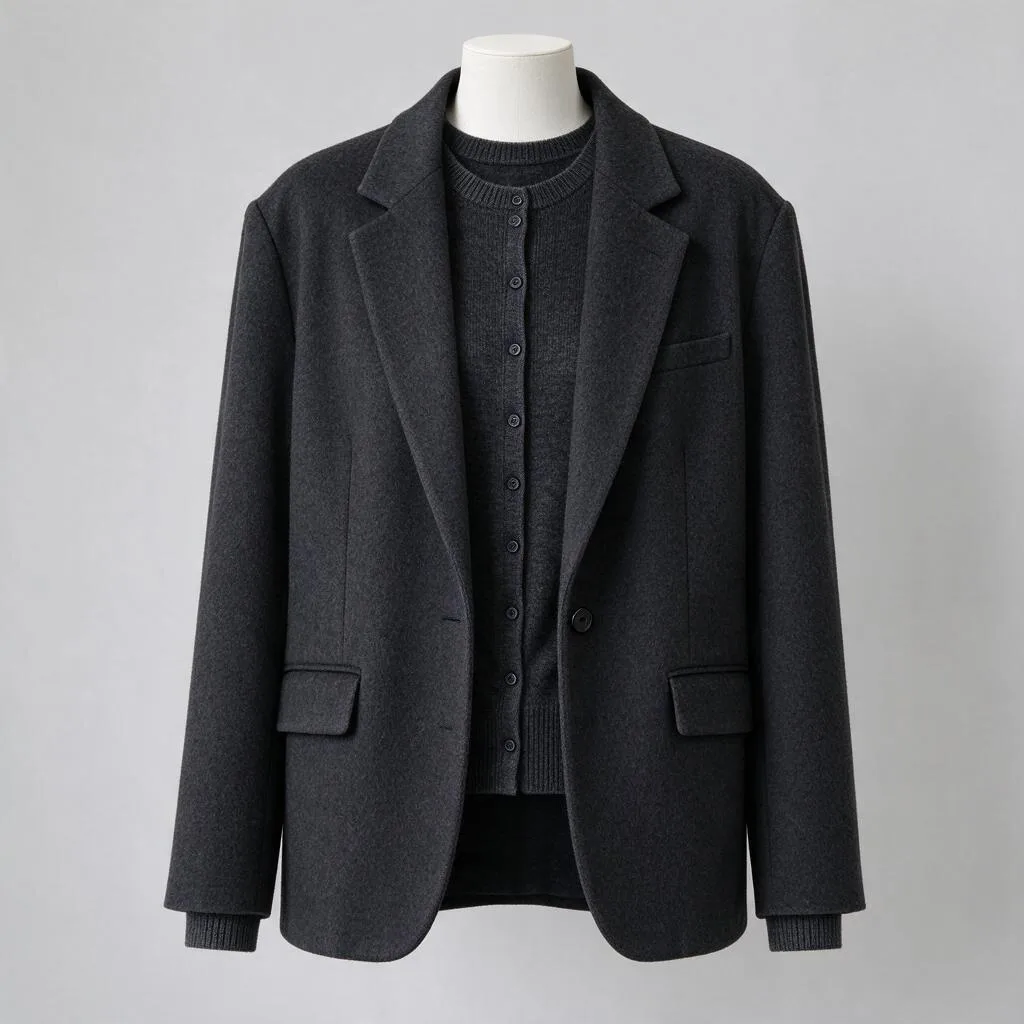
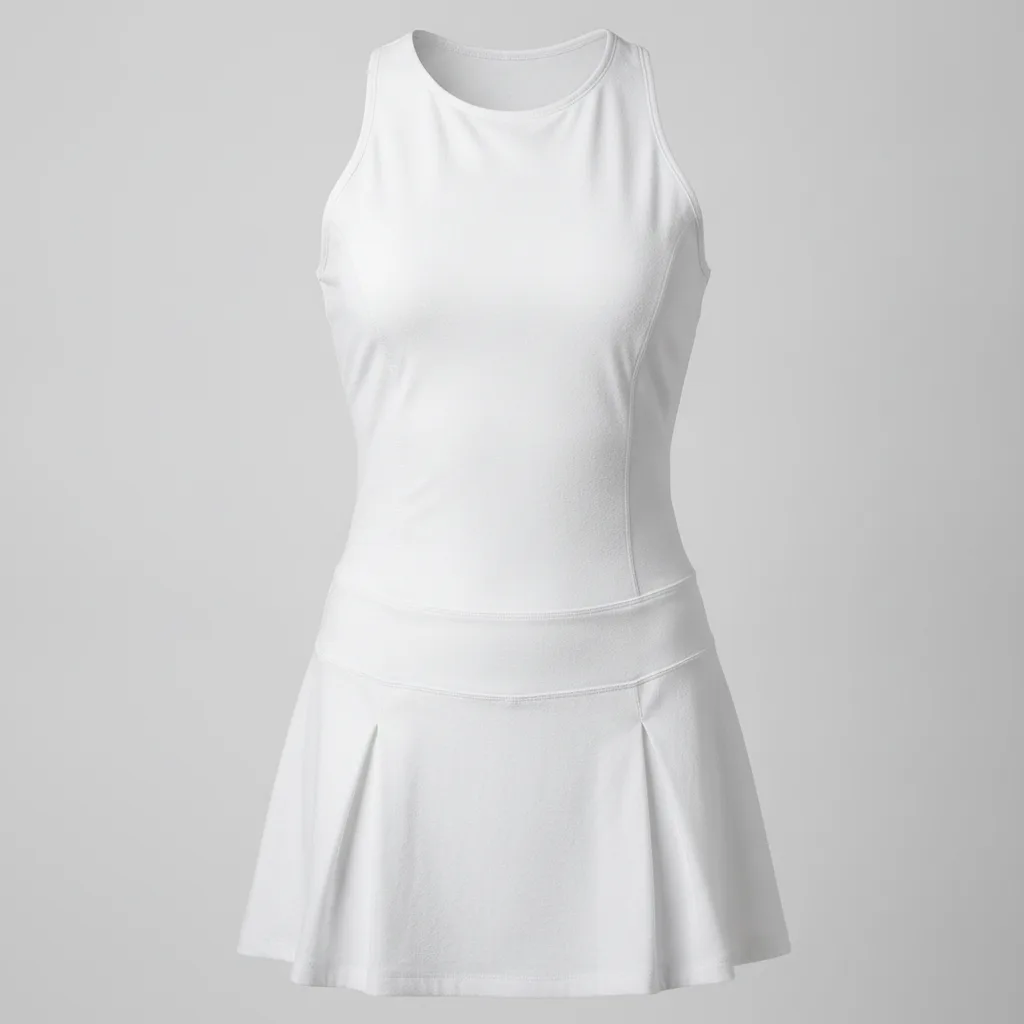
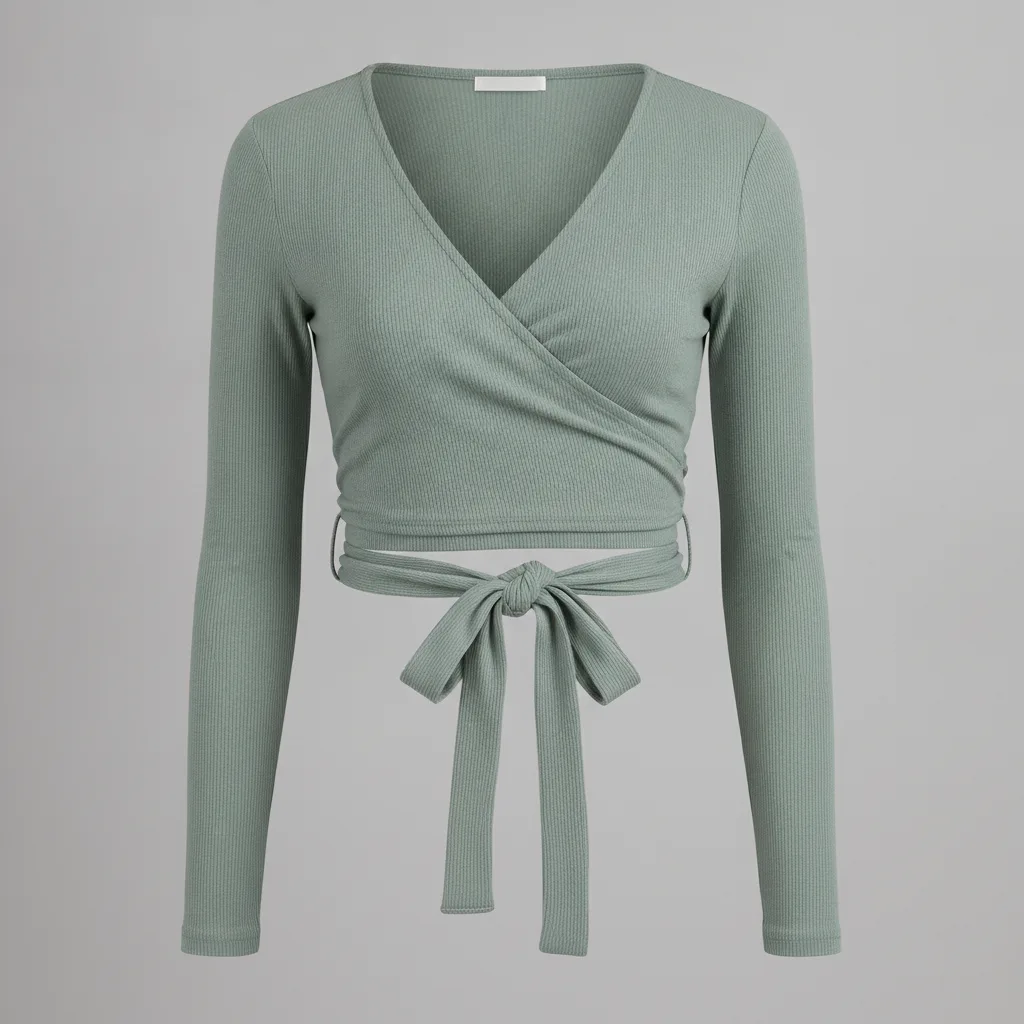
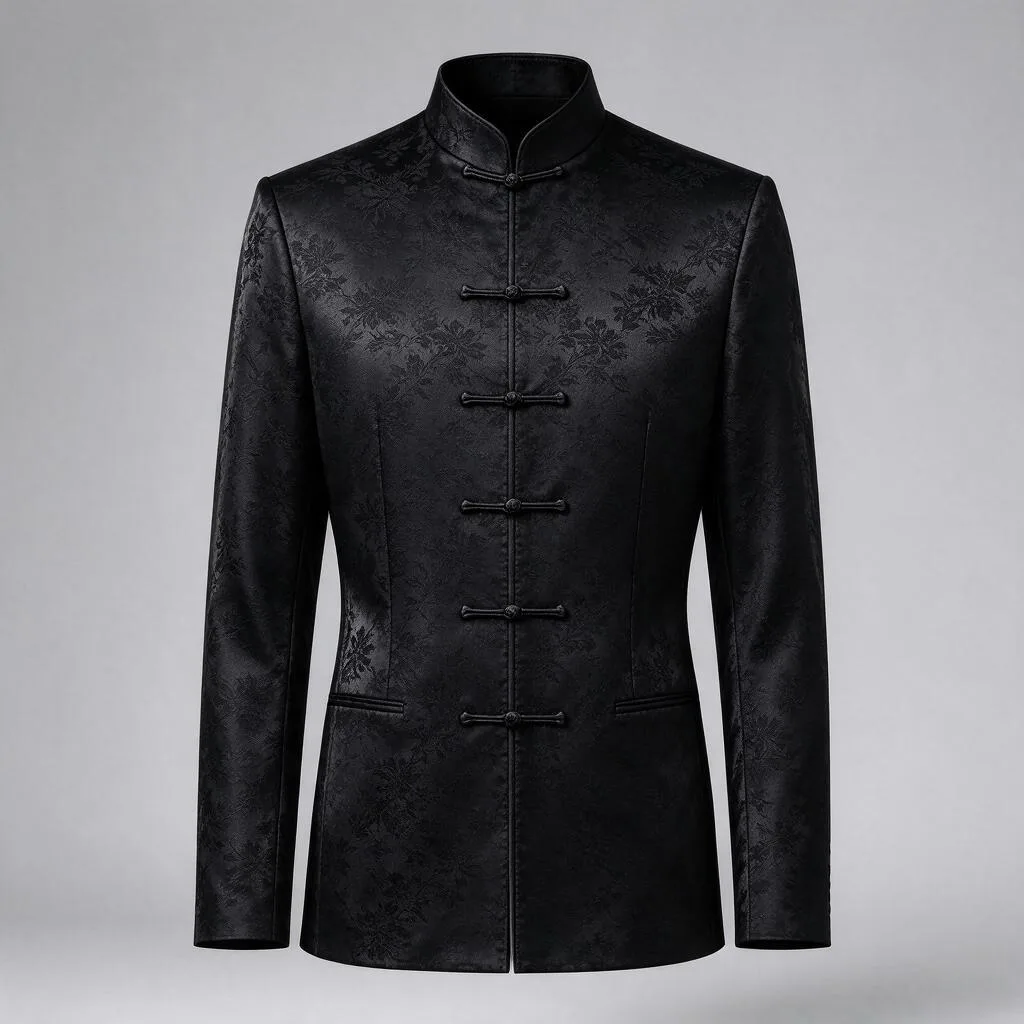
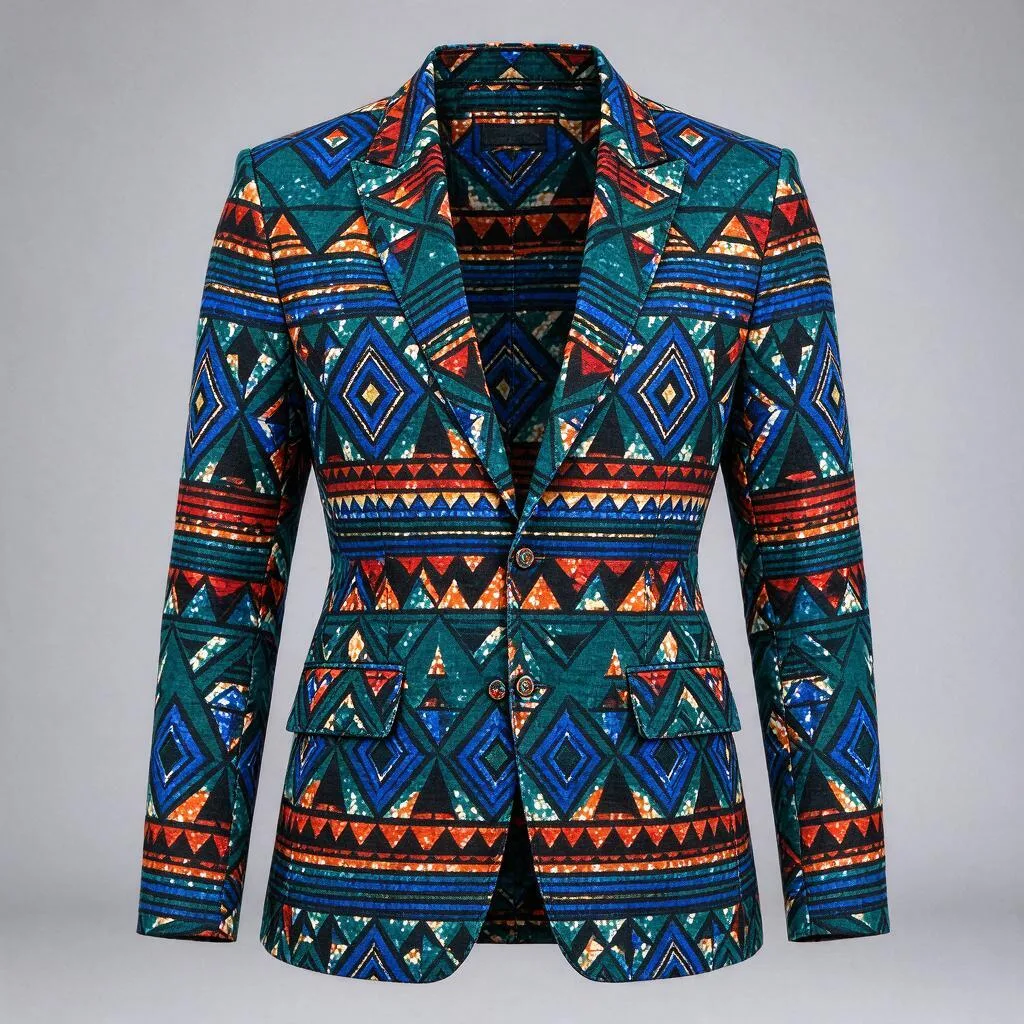
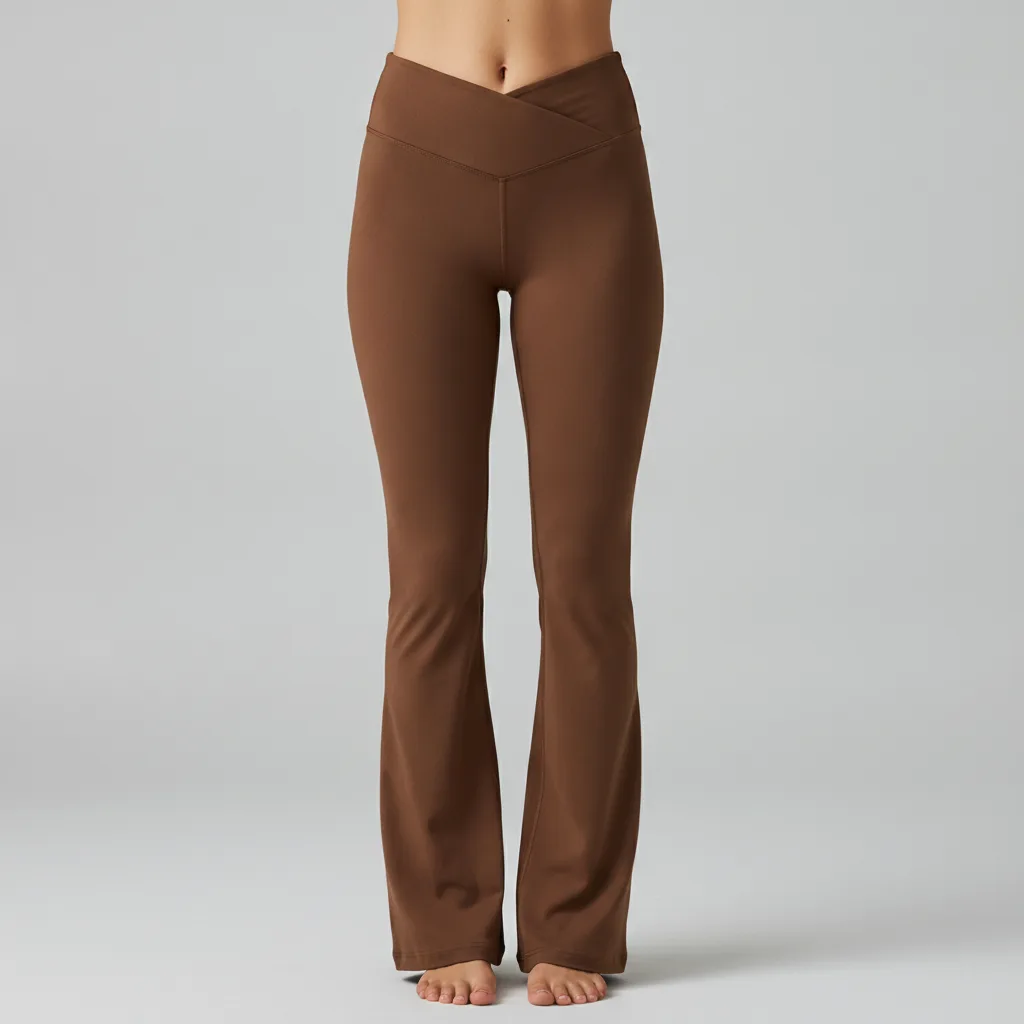
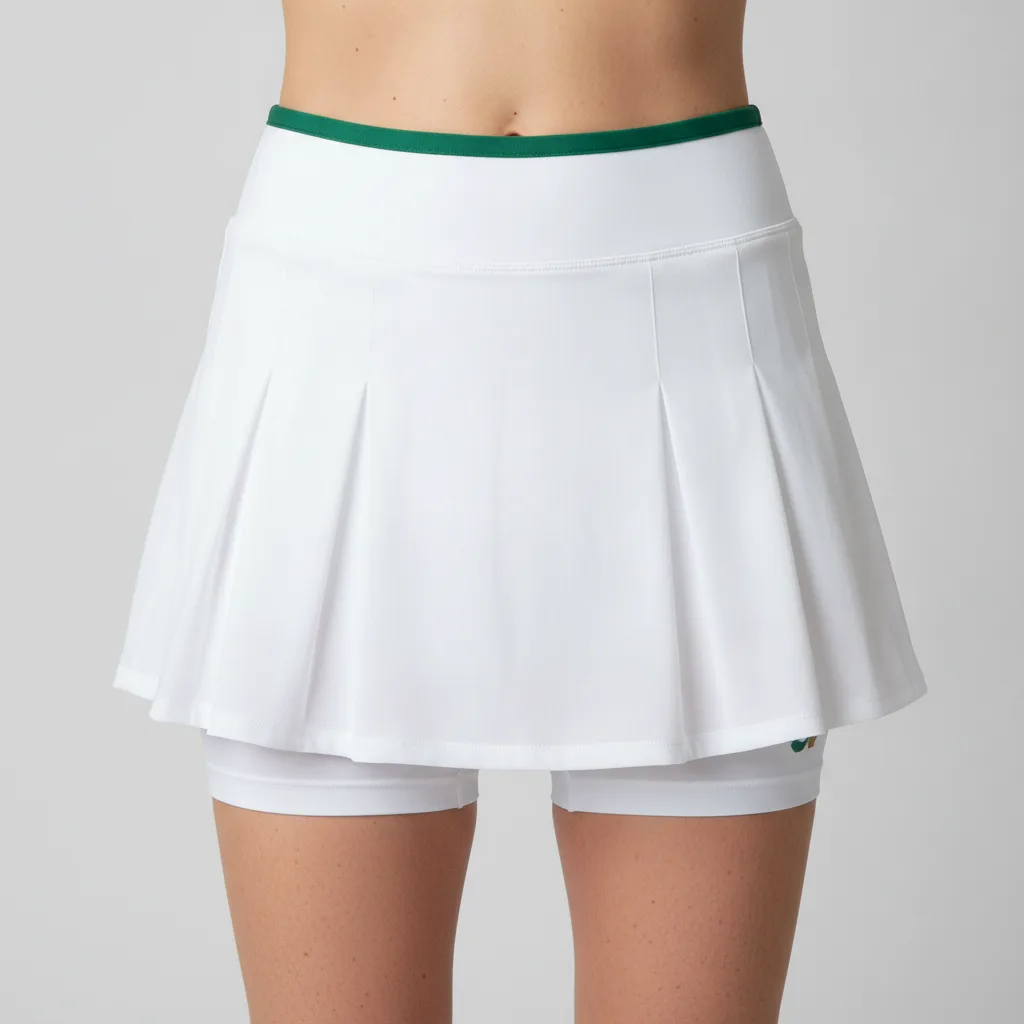
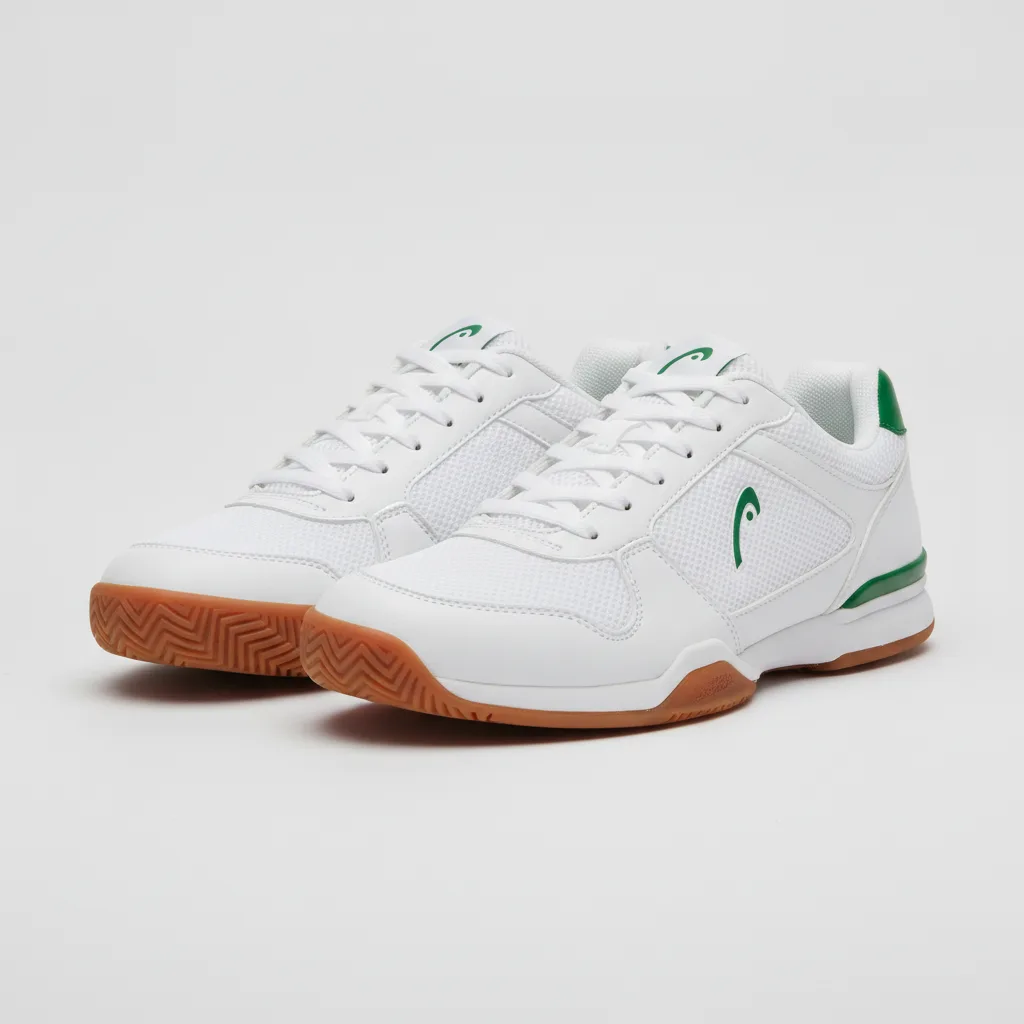
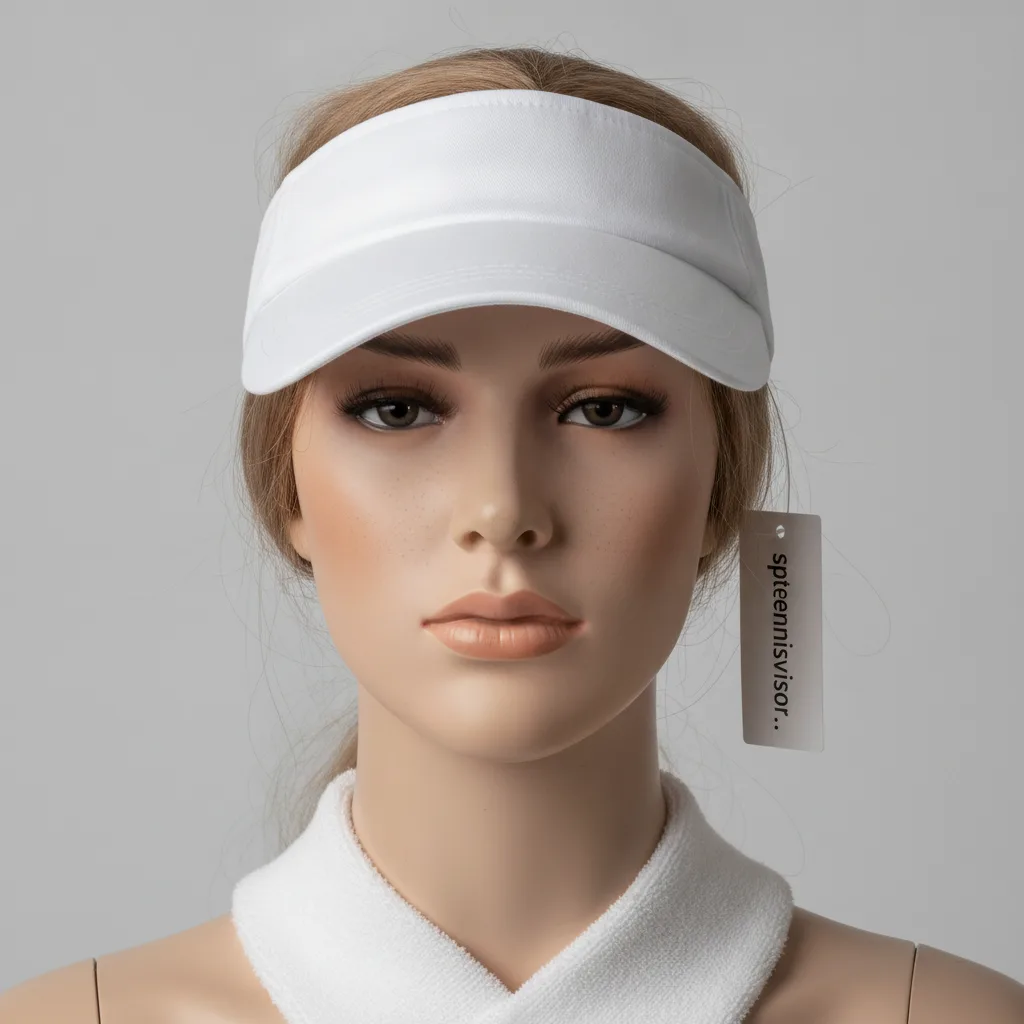
Filter by tag in the studio, or ask an agent via search_looks / list_life_post_templates with tags.
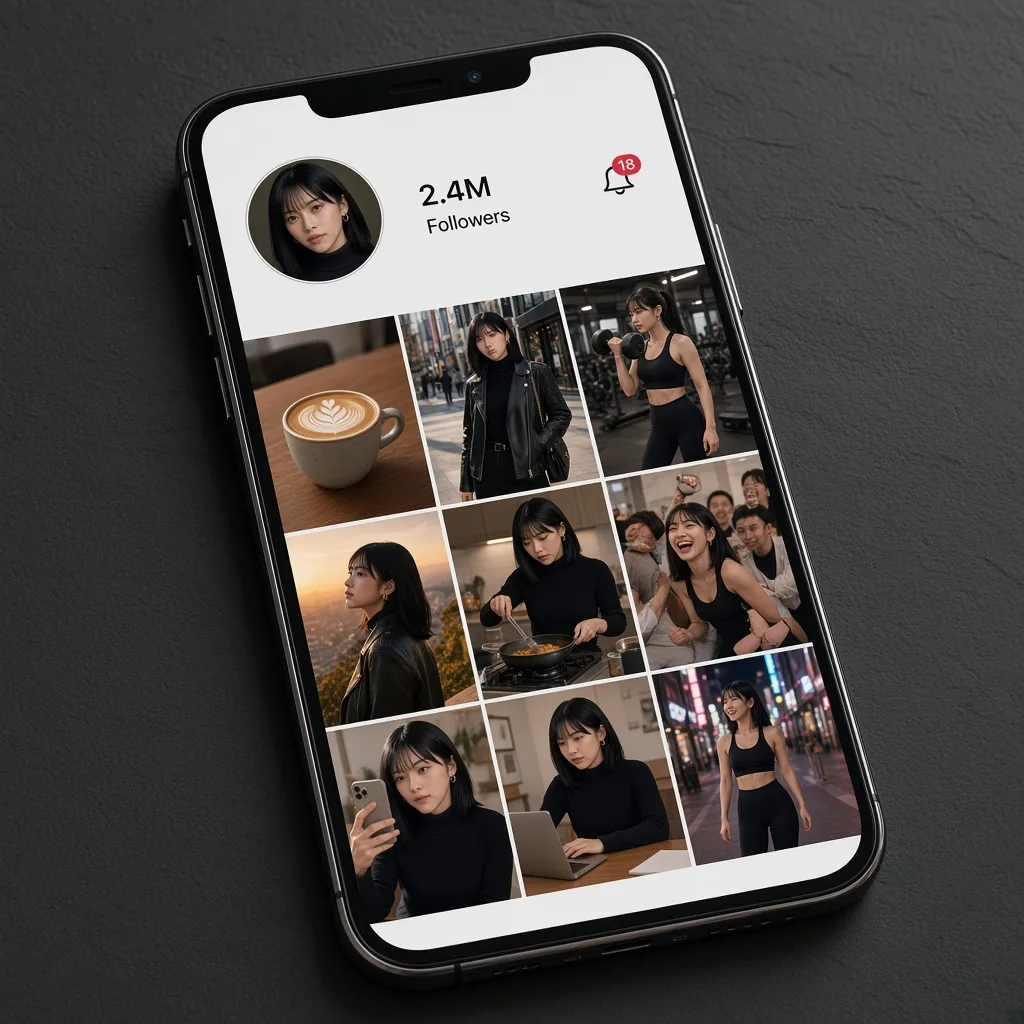
The influencer, every day
The feed stays recognizable because the face never changes. Explainers and influencer posts come from the same person.
Explainer · AI Influencer
One concept becomes a whiteboard short. The same influencer shows up on every episode.
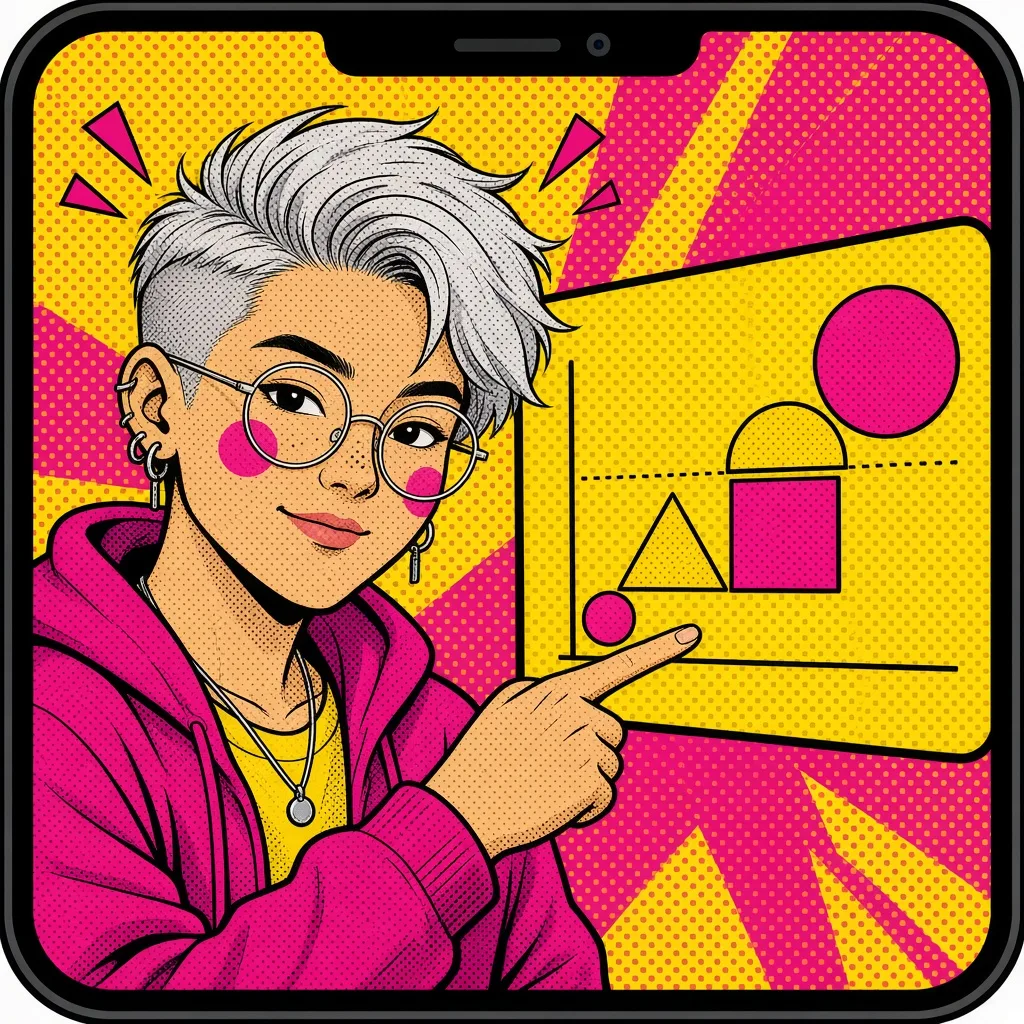
01Explainer videos
Paste notes or a product idea. Your AI Influencer walks the idea on a whiteboard short — one point per scene, clear on mute.
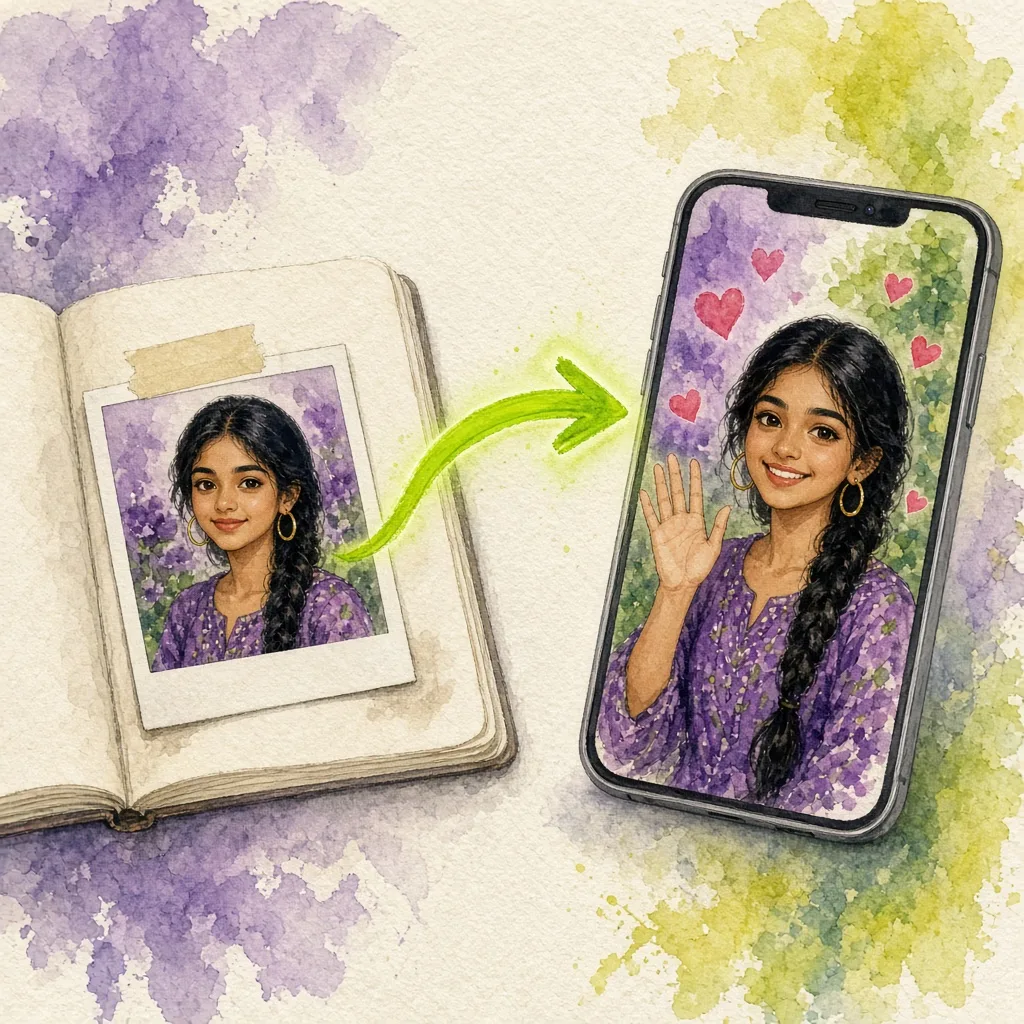
02AI Influencer
Design the face, wardrobe, and voice once. That AI Influencer stays recognizable across explainers and the shorts around them.
How it works
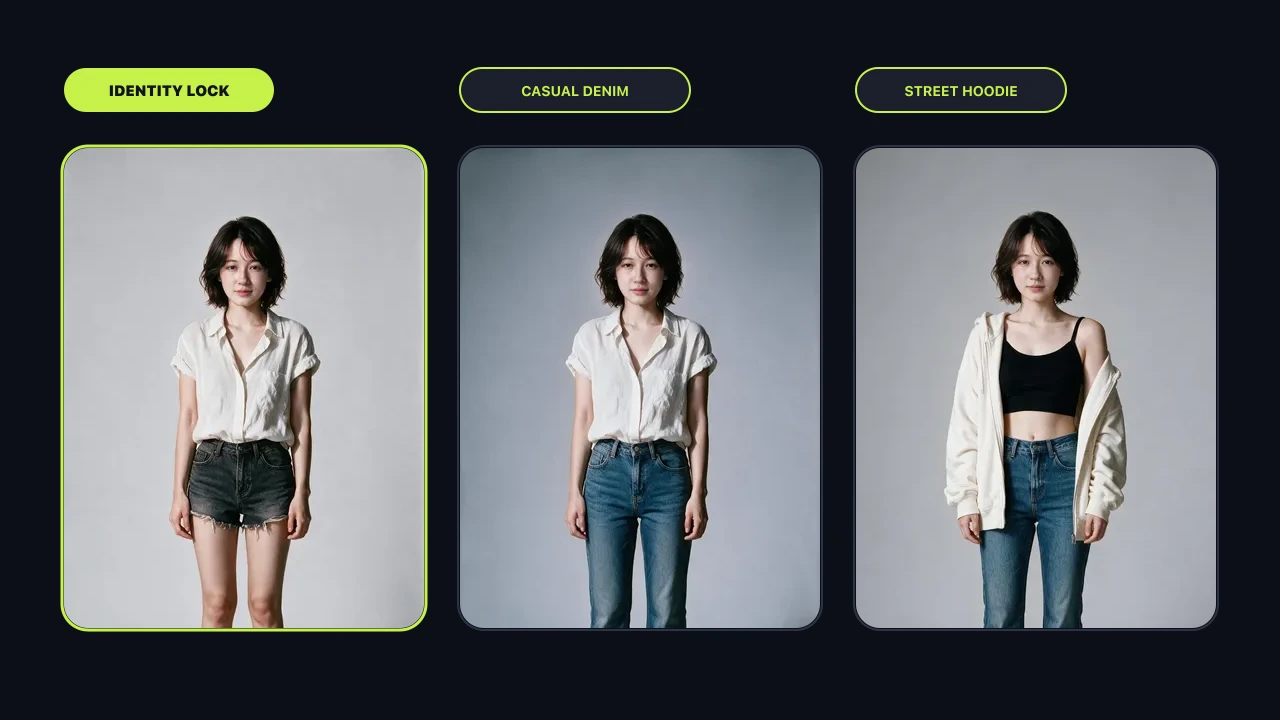
Lock face, hair, clothes, and voice. That AI Influencer hosts every explainer.
Create an AI InfluencerPaste the concept. Scro storyboards a whiteboard explainer and renders the short.
Build my brand IP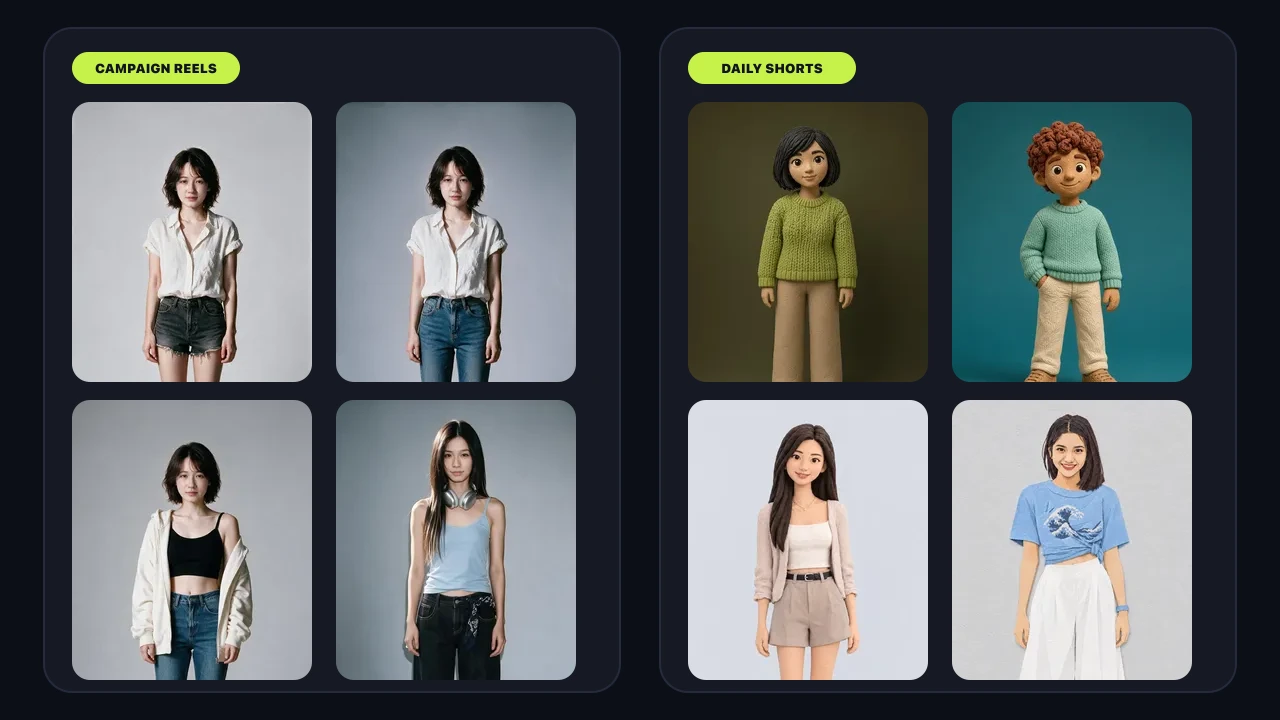
Same influencer, next idea. Finish with subtitles, silence trim, and B-roll.
Make an explainerNew in Scro Studio · Creator Engine
Four built-in studio upgrades remove the friction between your raw idea and a retention-ready vertical reel — all inside one workspace.
Record a 15-second voice sample right in your browser with built-in teleprompter scripts, or upload audio files. Clone your voice and generate videos across 21 matched languages including English, Cantonese, Mandarin, Japanese, Korean, Spanish, Indonesian, and more.
In Step 03 Storyboard Drafts, add custom clips, sketch where characters and diagrams sit on a canvas, or chat with the AI assistant on the right to draft visual explanations and VO lines from your script — or leave it blank for full AI auto-planning.
OpenCut analyzes audio RMS on load to trim leading and trailing dead air with smooth 15ms micro-fades so clips flow without awkward pauses. Search free stock photos & videos in-panel or click Auto Insert B-Roll to overlay cutaways automatically.
Generate editable native subtitle tracks from your VO in one click with 13 artistic presets (stroke, 3D shadow, neon glow, pill strips) and bilingual Google Fonts — while root-anchored wardrobe edits keep facial geometry 100% identical from v1 to v10.

Predictable Production Cost
Other AI tools burn credits because you render video blindly and hope it works. Scro's AI director lets you sketch storyboard drafts or co-plan clips in AI chat and approve keyframe stills first, so your AI Influencer nails the shot in a few takes at a fraction of the cost.
Free starter credits
Create an account, claim free credits, lock a character, and ship the first explainer.