
Introducing Wavcut: Auto Captions, Silence Cuts, and B-Roll on iPhone
Wavcut is an iPhone AI video editor — on-device silence cuts, styled captions, and B-roll from your own library so talking-head clips become post-ready…
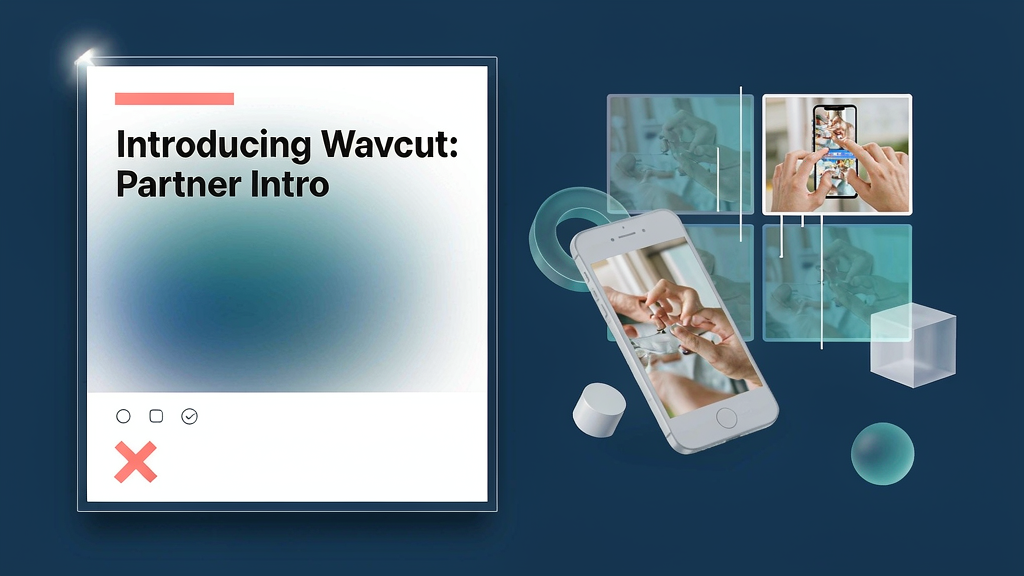
Introducing Wavcut: Auto Captions, Silence Cuts, and B-Roll on iPhone
If your edit queue lives in camera roll, waiting for a desktop pass kills the post. Wavcut is an iPhone AI video editor that cuts silence, styles captions, and places B-roll from your own library — on-device, from recording to export.
Built for creators who shoot vertical and want a finished Reel the same evening.
What Wavcut does
On-device packaging for talking-head and voiceover clips:
- Auto-cut silence — dead air trimmed locally; every cut stays toggleable on the timeline
- AI / on-device captions — free tier uses Apple Speech; Pro/Max add AI captions in 30+ languages with word-by-word styles
- B-roll from your collections — group cutaways once; presets place them by frequency, length, and order
- Presets that run the edit — aspect ratio, caption look, B-roll rules, and auto-cut saved as one tap
- Privacy-first processing — core silence, captions, and B-roll run on the phone; footage stays local by default
- Export to Photos — HD/4K share sheet to Reels, TikTok, and Shorts
Explore:
- Wavcut
- Tools guide
- Auto captions
- Contact: support@wavcut.com
Who it is for
iPhone-first creators, coaches, and small brands who film talking-head or faceless voiceover and want captions + cutaways without uploading every take to a cloud editor.
Where it fits in a content stack
Wavcut owns phone take → captioned short with your own B-roll. It is the mobile packaging layer next to desktop clippers — especially when privacy or airplane-mode editing matters.
Why it matters now
Mute scrolling makes captions non-optional, and B-roll is what separates “webcam clip” from “produced.” Doing both on-device means the shoot-to-post loop never leaves your pocket.
How teams typically use Wavcut
A coach records a tip, runs a Talking Head preset, and posts the same night. A faceless channel lays library B-roll over a voiceover. A small brand keeps one caption style across every Reel via presets.
Quick tips if you try Wavcut
- Build B-roll collections once so auto placement has a real library to pull from.
- Save a preset early — ratio, captions, and B-roll rules should match your channel.
- Toggle silence cuts if a pause is intentional comedy or emphasis.
- Start free for silence, B-roll, and limited captions; upgrade when you need multilingual AI captions.
- Email support@wavcut.com for account or privacy questions.
Soft close — related tool
If you also need concept → storyboard → animated or whiteboard explainer / Reels (not talking-avatar presenters), see Scro Explainer. Scro (by NOVAX) is built around approving an AI storyboard before you render — useful when the job is teaching a process, not packaging a phone take. Keep Wavcut as the focus of this intro; Scro is only a related option for storyboard-first explainers.