
Introducing Take One: One-Take Talking-Head Reels Ready to Post
Take One turns a raw camera take — retakes and all — into a captioned reel with motion graphics built from what you said, ready for Instagram, TikTok, and YouTu
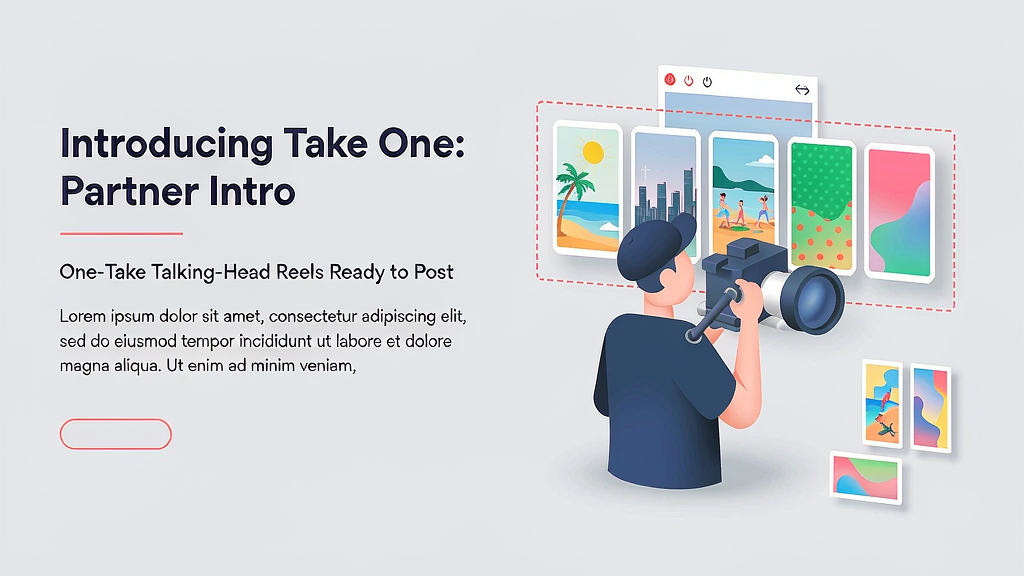
Introducing Take One: One-Take Talking-Head Reels Ready to Post
Coaches, consultants, and local businesses already talk to camera. The bottleneck is the evening spent cutting retakes, adding captions, and dressing a reel for each network. Take One sits in that one-take → publish layer: drop in the raw recording, keep the keepers, and get a captioned reel with motion graphics built from what you said.
What Take One does
Take One positions itself for people who film once and need social-ready output without a full edit suite:
- Raw take → cleaned reel — cuts mess-ups and restarts from a single long talking-head take
- Captions + motion graphics — builds on-screen text and graphics from what you said
- Platform-ready shorts — hands back a reel aimed at Instagram, TikTok, and YouTube Shorts
- Founding access — early plans aimed at creators who ship talking-head content weekly
Explore:
Who it is for
Coaches, consultants, founders, and local business owners who already talk to camera and do not want an evening edit session for every post.
Where it fits in a content stack
Take One owns one recorded take → captioned short with light graphics. Your story still lives in the original performance; Take One is the packaging layer that makes weekly posting realistic.
Quick tips if you try Take One
- Film one clear take with a single topic before you batch a whole week.
- Review captions for product names and CTAs before you post.
- Keep hooks consistent across the first week so performance is comparable.
- Shoot vertical when the destination is Reels/TikTok/Shorts.
- Email hello@usetakeone.com for product or access questions.
Soft close — related tool
If you also need concept → storyboard → animated or whiteboard explainer / Reels (not talking-avatar presenters), see Scro Explainer. Scro (by NOVAX) is built around approving an AI storyboard before you render — useful when the job is teaching a process, not packaging a live one-take. Keep Take One as the focus of this intro; Scro is only a related option for storyboard-first explainers.