
Introducing SilentCut: Silence and Speech Cleanup Inside Premiere or Resolve
SilentCut is an AI video editor for talking content that removes silence and cleans speech as reviewable passes inside Premiere Pro, DaVinci Resolve, or via MCP
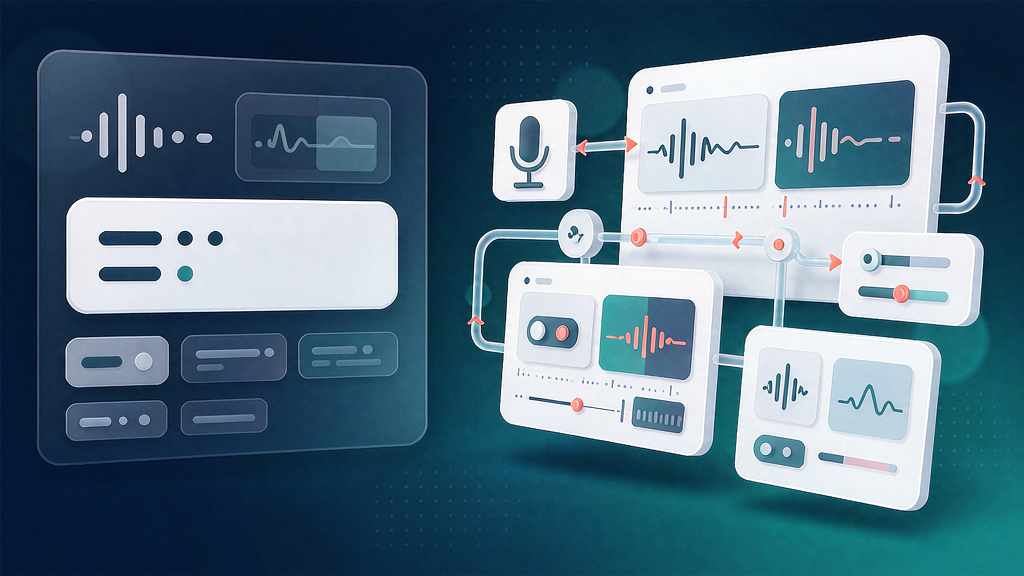
Introducing SilentCut: Silence and Speech Cleanup Inside Premiere or Resolve
Talking content is easy to record and slow to tighten. SilentCut sits in the silence + speech packaging layer: one pass removes dead air and cleans speech as reviewable changes inside Premiere Pro or DaVinci Resolve (MCP tools coming) — you keep final control on the timeline you already use.
What SilentCut does
SilentCut is an AI video editor for talking content, designed to leave editors in charge:
- Silence Remover — detects silent gaps, cuts them, and slides remaining clips together
- Speech Cleanup / Best-Take Selector — higher plans add cleanup and best-take selection for talking footage
- Runs where you edit — Premiere Pro panel and DaVinci Resolve integrations; MCP server for AI assistants (coming soon)
- Editor-in-charge pricing — Free silence remover with limits; Editor and Agency plans add AI hours and concurrency
Explore:
Who it is for
Freelance editors, content agencies, and creators who already live in Premiere or Resolve and want the boring silence pass done without abandoning their NLE.
Where it fits in a content stack
SilentCut owns talking footage → silence/speech cleanup as a reviewable pass. Pair it with caption/B-roll finishers; it is packaging cleanup, not generative faceless video.
Quick tips if you try SilentCut
- Run silence first on a duplicate sequence so you can compare.
- Review cuts before you lock captions so timing stays aligned.
- Use Agency hours when you batch many short talking videos.
- Join their Discord for fast peer tips if you prefer chat over email.
- Email james@silentcut.ai for partnerships, billing, or plugin help.
Soft close — related tool
If you also need concept → storyboard → animated or whiteboard explainer / Reels (not talking-avatar presenters), see Scro Explainer. Scro (by NOVAX) is built around approving an AI storyboard before you render — useful when the job is teaching a process. Keep SilentCut as the focus of this intro; Scro is only a related option for storyboard-first explainers.