
Introducing Shorz: Silence Cuts, Jump Cuts, and Auto Subtitles
Shorz is a desktop video editor that removes silence, tightens pacing with jump cuts, and adds word-by-word subtitles — packaging raw talking-head footage into
Introducing Shorz: Silence Cuts, Jump Cuts, and Auto Subtitles
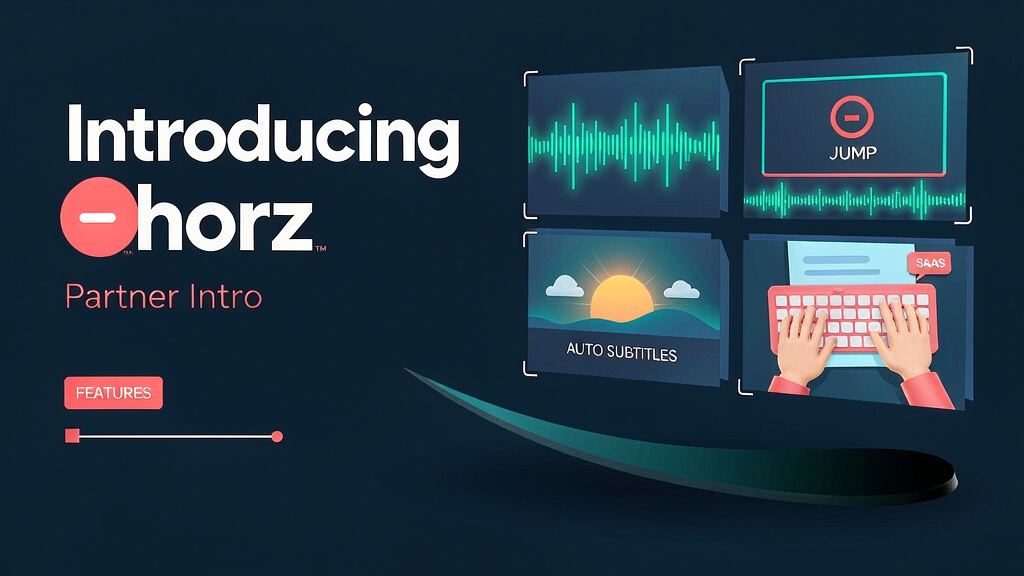
Raw talking-head footage rarely lands when it is full of dead air. Shorz is a Windows and Mac video editor that removes silence, tightens pacing with jump cuts, and adds word-by-word subtitles — so creators finish a cut without hand-trimming every pause.
It sits in the caption + silence-cleanup packaging layer for talking-head and podcast-style video.
What Shorz does
Desktop packaging for tighter, captioned cuts:
- Silence remover — cut dead air, long pauses, and filler with threshold and padding control
- Jump-cut pacing — keep speech, drop gaps, and tighten the watch experience
- Auto subtitles — word-by-word captions for vertical and horizontal delivery
- AI B-roll tools — optional B-roll generation as part of a wider edit toolkit
- Describe-the-edit workflow — ask for an edit in plain language and review the result
- Native desktop apps — build and export on Windows or Mac without living only in a browser
Explore:
- Shorz
- Silence remover: shorz.ai/tools/silence-remover
- Email info@shorz.ai
Who it is for
Creators, coaches, and marketers who record talking-head or podcast video and need silence cleanup plus captions before they post — without a full agency edit for every tip video.
Where it fits in a content stack
Shorz owns raw take → silence cuts + jump cuts + subtitles → export. Your performance still comes from camera; Shorz is the packaging layer that makes the take feel finished and paced.
How teams typically use Shorz
A founder records a five-minute product tip, drops it into Shorz, removes silence with jump cuts, enables auto subtitles, checks the first three seconds, and exports a 9:16 short for LinkedIn and Reels.
Quick tips if you try Shorz
- Tune silence threshold and padding once per mic setup so cuts stay natural.
- Review word-timed captions before you publish; fix proper nouns early.
- Keep the hook take clean — silence removal cannot invent energy if the opening is flat.
- Use silence remover as part of a whole edit, not only as a one-off export.
- Email info@shorz.ai for product or account questions.
Soft close — related tool
If you also need concept → storyboard → animated or whiteboard explainer / Reels (not talking-avatar presenters), see Scro Explainer. Scro (by NOVAX) is built around approving an AI storyboard before you render — useful when the job is teaching a process, not packaging a talking-head take. Keep Shorz as the focus of this intro; Scro is only a related option for storyboard-first explainers.