
Introducing PopScript: One-Take Talking-Head Cleanup With Captions on iPhone
PopScript is an iPhone AI editor that cuts filler, silence and retakes from talking-head footage, then adds captions so creators package one-take shoots without
Introducing PopScript: One-Take Talking-Head Cleanup With Captions on iPhone
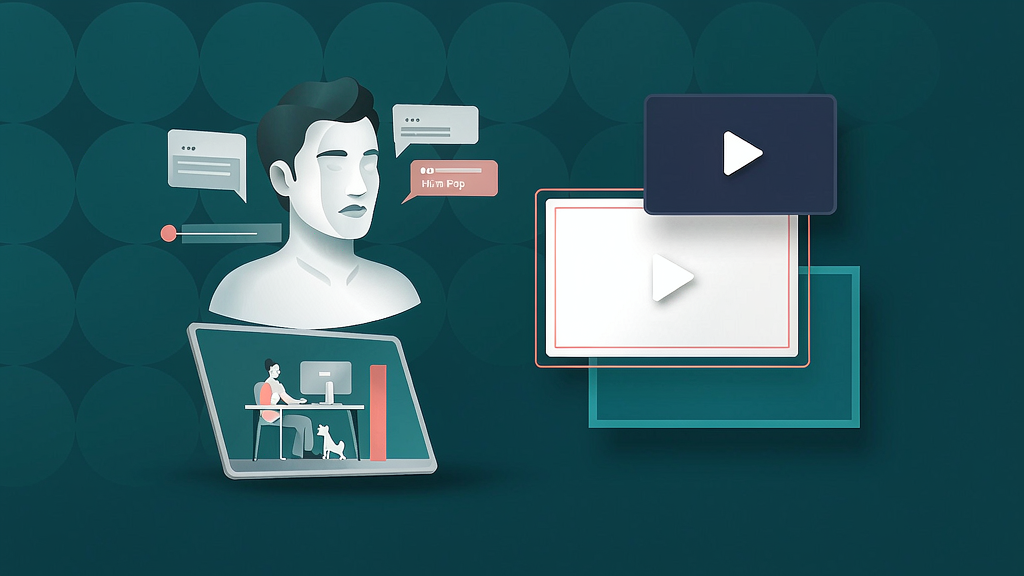
Creators who film on phone still lose evenings to filler words, dead air, and retakes — even when the story was already solid in the raw take. PopScript is an iPhone AI video editor built for that exact job: package a messy talking-head one-take into a tighter, captioned cut without opening a desktop timeline.
What PopScript does
PopScript focuses on real footage packaging for talking-head shorts and social clips:
- Silence, filler and retake cleanup — cuts ums, pauses, stutters and weaker takes so the kept delivery feels like one continuous take
- Transcript-first editing — delete a word in the transcript and it disappears from the video; undo by tapping a crossed-out word
- Captions from the same transcript — word-timed styles that stay in sync with the cleaned edit
- Batch one-sitting workflows — import up to 10 videos and come back to finished cuts (Pro plans)
Explore:
Who it is for
iPhone-first creators, coaches and founder-led marketers who shoot real talking-head content and want packaging (cleanup + captions) without learning Premiere or CapCut timelines.
Where it fits in a content stack
PopScript owns raw one-take → cleaned, captioned social cut. It is not a generative avatar or faceless AI video studio — your face and voice stay the source. Pair it with a storyboard-first explainer tool when the job is teaching a process rather than packaging an on-camera take.
Why one-take packaging matters on mobile
Phone-first creators do not lose time because they lack ideas — they lose it because every um, pause and retake forces a scrub on a tiny screen. PopScript’s bet is that cleanup + captions is the packaging layer most social talking-heads actually need. Keep the camera authentic; let software remove the friction that makes people abandon a week of posts. That is closer to Cutroom-like packaging than to generative avatars: the hero is still your take.
Quick tips if you try PopScript
- Film a continuous take and let cleanup do the heavy lifting instead of stopping every flub.
- Review crossed-out transcript words before you export — keep intentional pauses when they serve pacing.
- Pick a caption style early so exports match your brand kit across a week of posts.
- Use batch import when you already have several short takes ready.
- Email hello@popscript.app for product or billing questions.
Soft close — related tool
If you also need concept → storyboard → animated or whiteboard explainer / Reels (not talking-avatar presenters), see Scro Explainer. Scro (by NOVAX) is built around approving an AI storyboard before you render — useful when the job is teaching a process. Keep PopScript as the focus of this intro; Scro is only a related option for storyboard-first explainers.