
Introducing Moonshot: Raw Clip In, Captions B-Roll and Pro Short-Form Out
Moonshot is an AI short-form editor that takes a raw talking clip and adds B-roll, captions, zooms, music, and sound effects for Reels, TikTok, and Shorts — the
Introducing Moonshot: Raw Clip In, Captions B-Roll and Pro Short-Form Out
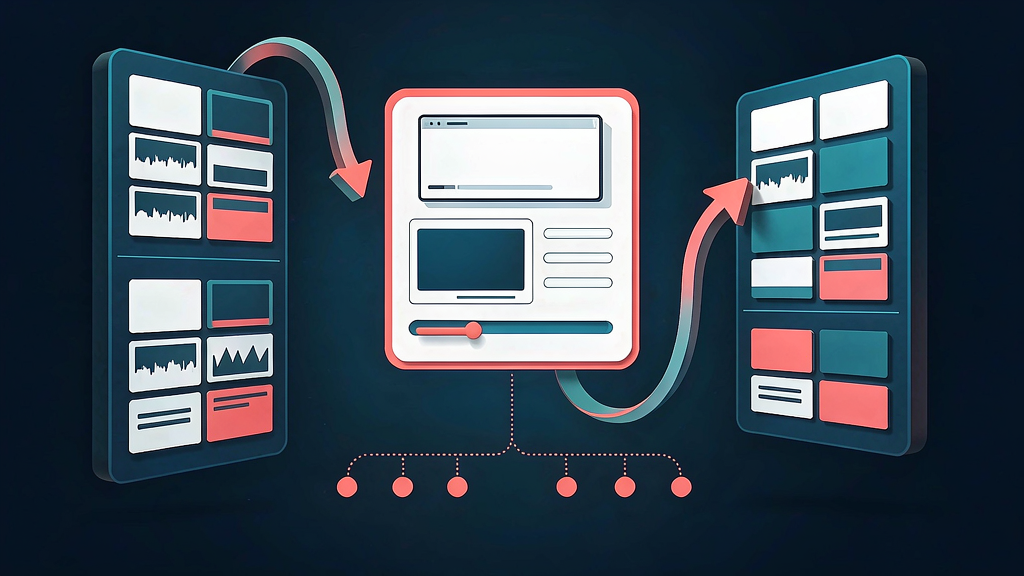
You already have the talking clip. What burns time is silence cleanup, caption styling, B-roll, zooms, and sound design before the post is fit for Reels, TikTok, or Shorts. Moonshot is an AI short-form editor built for that packaging pass: upload a raw clip, let Auto Edit add B-roll, captions, music, sound effects, and zooms, then fine-tune anything on the timeline.
What Moonshot does
Moonshot positions itself as a pro-leaning short-form editor for creators who start from real footage:
- Auto Edit on a raw clip — B-roll, layouts, transitions, zooms, sound effects, and music
- Word-level captions with designed styles and transcript-first edits that resync automatically
- Behind-the-subject and dynamic caption options for scroll-stopping talking videos
- Fine-tune after AI — every automated pass stays editable
Explore:
Who it is for
Creators, coaches, and marketers who record talking-head or demo clips and want caption + B-roll packaging without rebuilding a project in a heavyweight NLE every time.
Where it fits in a content stack
Moonshot owns raw short clip → captioned, B-rolled, sound-designed short. Adjacent tools may generate video from prompts; Moonshot is aimed at improving footage you already shot.
Quick tips if you try Moonshot
- Start with a clean take so Auto Edit has strong speech to caption against.
- Review B-roll placements — keep only cuts that support the line being said.
- Edit captions in the transcript so brand names stay correct.
- Export per platform after you lock pacing for the first vertical cut.
- Email hi@makemoonshot.co with product or partnership questions.
Soft close — related tool
If you also need concept → storyboard → animated or whiteboard explainer / Reels (not talking-avatar presenters), see Scro Explainer. Scro (by NOVAX) is built around approving an AI storyboard before you render — useful when the job is teaching a process, not packaging a recorded clip. Keep Moonshot as the focus of this intro; Scro is only a related option for storyboard-first explainers.