
Introducing Captions: AI Video Editor That Finishes Social Cuts for You
Captions is an AI video editor that turns footage into finished social videos—auto edit, captions, translation, avatars, and chat-based tweaks.
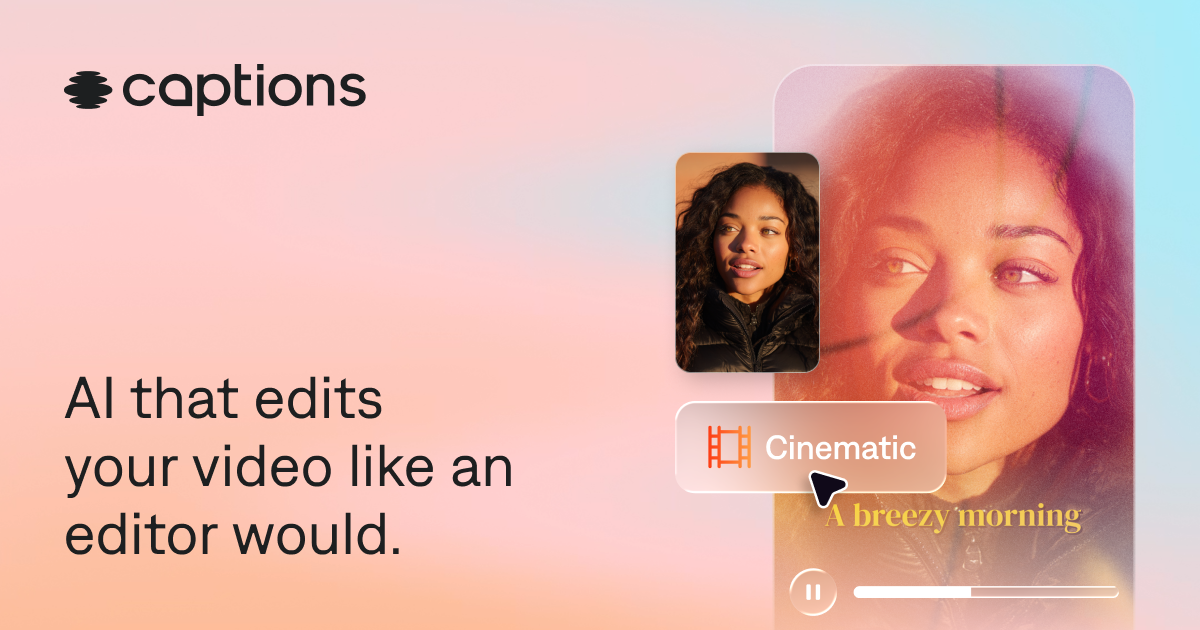
Short-form creators drown in raw clips. Captions markets an AI editor that behaves like a professional editor: upload footage (or generate), pick a style, and get a cut with zooms, B-roll, captions, and music—then refine with prompts.
What Captions does
Core capabilities called out on their site:
- AI Edit — style-driven full-video edits from existing footage.
- Automatic captions and translation — stylized captions; subtitles across many languages.
- AI avatars / digital twins — generate presenter footage when you do not want to reshoot.
- Cleanup utilities — denoise, trim pauses/fillers, eye-contact correction.
- Chat-based edits — describe changes instead of scrubbing a complex timeline.
- Mobile + web — create on phone or desktop.
Links:
- Captions
- Pricing and plans from the homepage “Start creating” CTAs
- Mobile apps via App Store / Google Play if you evaluate on-the-go editing
Where it fits in a content stack
Captions shines for creator and social teams who already shoot talking-head or lifestyle footage and need volume: podcast clips, tutorials, ads, and vertical posts. Avatar features help when you need a second take without a camera.
It is not primarily a whiteboard explainer tool. Pair it with an explainer product when you must draw a process; use Captions when the asset starts as people-on-camera footage.
Quick tips if you try Captions
- Shoot cleaner inputs—good light and audio still beat any AI rescue.
- Try multiple edit styles on the same master before you commit.
- Always proof auto-captions for names, product terms, and CTAs.
- Use translation after the source-language cut is locked.
- Keep avatar videos clearly labeled internally so brand/legal knows what is synthetic.
Who gets the most value
Captions is built for creators, social teams, and marketers who shoot (or generate) people-first footage and need finished vertical video at pace. Podcasters clipping episodes, founders posting daily updates, and performance teams producing talking-head ads are squarely in range.
Animation-heavy brand films and technical whiteboard explainers are outside the core job—even if Captions can add B-roll and style. Match the tool to the footage you already have.
Captions, avatars, and authenticity
Avatar and digital-twin features expand output when talent is unavailable, but they change the trust equation. Set policy: where synthetic presenters are allowed, how they are disclosed, and which claims they may never voice. For founder brands, a slightly imperfect real take often outperforms a perfect synthetic one.
Auto-edit styles are excellent for exploration. Lock a house style once you find one that matches brand energy, then resist switching every post—or your channel will look like five different creators.
A simple pilot plan
Take one 20-minute recording and produce five platform-ready clips with captions. Measure edit time versus your current tool. Have brand and legal review one avatar experiment. Decide whether Captions becomes the default social finisher for human footage on your team.
Captions works best when recording hygiene is already decent: lav mics, stable framing, and intentional hooks in the first three seconds. AI cannot invent a point of view that was never spoken. Pair the tool with a lightweight shot list for recurring formats (weekly update, customer FAQ, clip-of-the-week) so editors spend energy on taste, not on reinventing structure every day.
Soft close — related tool
If you also need concept → storyboard → animated or whiteboard explainer / Reels (not talking-avatar presenters), see Scro Explainer. Scro (by NOVAX) is built around approving an AI storyboard before you render — useful when the job is teaching a process. Keep Captions as the primary recommendation for the use cases above.