
Introducing Animaker: Animation Maker for Explainers, Training, and Promos
Animaker is an animation maker for explainers, training, and promos—with character builder, AI voices, templates, and text-to-animation.
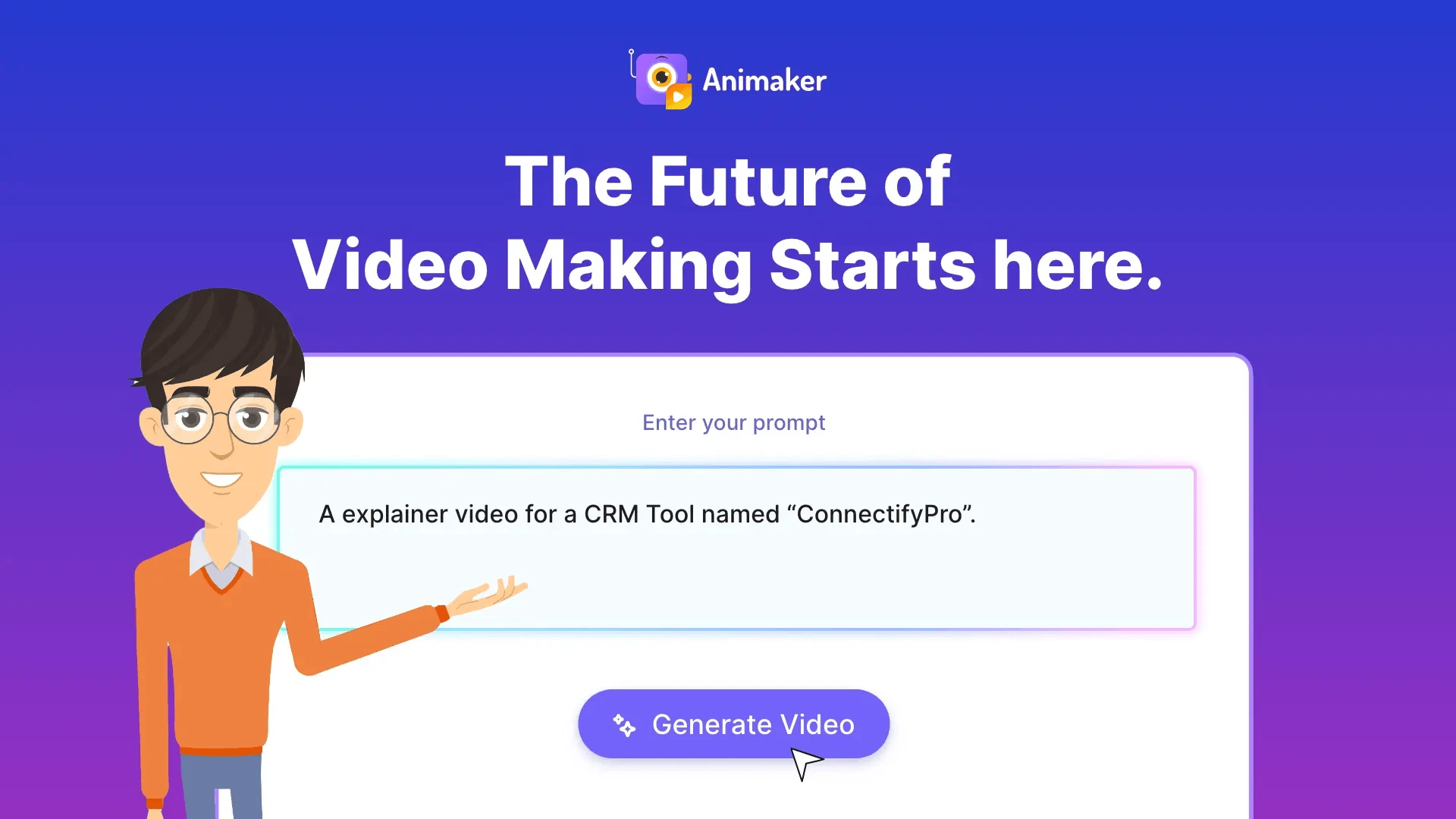
Not every video should look like live action. L&D, HR, and marketing teams often need characters, whiteboard, and motion-graphics explainers that stay on-brand and easy to revise. Animaker is a long-running animation platform aimed at that audience—from beginners to teams shipping training and promo videos at scale.
What Animaker does
Animaker’s homepage and product copy emphasize:
- Text-to-animation / prompt-led drafts — describe the video, refine through conversation, then advanced edit.
- Character builder — custom animated characters for brand mascots and trainers.
- Explainer and training formats — cartoon, 2D, whiteboard, infographic, onboarding, and marketing templates.
- Localization helpers — AI voices, subtitles, and one-click translation into many languages.
- Large asset library — stock media, icons, music, and export options up to 4K.
Helpful links:
- Animaker
- Animaker pricing
- Templates and the animation editor are reachable from the main navigation after sign-in
Where it fits in a content stack
Animaker overlaps most closely with classic explainer and e-learning video. If your stakeholders expect cartoon characters, whiteboard draws, or HR-friendly animated modules, it is a natural evaluation candidate.
Compared with avatar talking-head tools, Animaker is more “animated world.” Compared with stock-assembly editors, it is more character- and scene-driven. Many teams keep both an animation maker and a live-action editor in the stack.
Quick tips if you try Animaker
- Write for the ear before you generate—short VO lines map cleanly to scenes.
- Pick one visual system (whiteboard vs flat 2D) and stay consistent inside a single video.
- Use the character builder sparingly—one hero character beats a crowded cast.
- Translate after the master is approved, so you do not multiply revision work.
- Export a captioned version for LMS and social mute viewing.
Who gets the most value
Animaker is a fit for L&D, HR, internal communications, and marketing teams that already know they want animation—not live footage. Fortune-500 case anecdotes on their site lean on training and brand communications volume. Freelancers who sell explainer packages also use DIY animation platforms to deliver without a full studio retainer.
If your buyers expect photoreal UGC ads, look elsewhere first. If they expect friendly characters walking through a process, Animaker is in the right category.
Whiteboard, characters, and brand systems
Animation platforms tempt teams to mix styles mid-video. Resist that. Choose whiteboard, flat 2D, or character-led cartoon as the system for a given piece, then stick to it. The character builder is powerful; overusing it creates visual noise. One consistent mascot plus clear iconography usually beats a cast of dozens.
For regulated industries (healthcare, finance), keep a claim deck separate from the animation tool. The video should visualize approved language—not invent metaphors that imply outcomes you cannot support.
A simple pilot plan
Brief three videos: a 60s product explainer, a 90s onboarding module, and a 30s social cut-down. Track production hours versus an agency quote. Involve one skeptical stakeholder in storyboard review so you learn where the tool’s defaults fight your brand. Decide based on revision cost, not first-draft dazzle.
Animaker’s free tier makes it easy to pressure-test the editor before you commit budget. Use that window to validate export quality, collaboration, and whether your brand fonts survive the template system—not just to click through a demo. When you upgrade, map seats to the people who will actually publish, and document a mini style guide so each new video does not reinvent characters and color.
Soft close — related tool
If you also need concept → storyboard → animated or whiteboard explainer / Reels (not talking-avatar presenters), see Scro Explainer. Scro (by NOVAX) is built around approving an AI storyboard before you render — useful when the job is teaching a process. Keep Animaker as the primary recommendation for the use cases above.